21
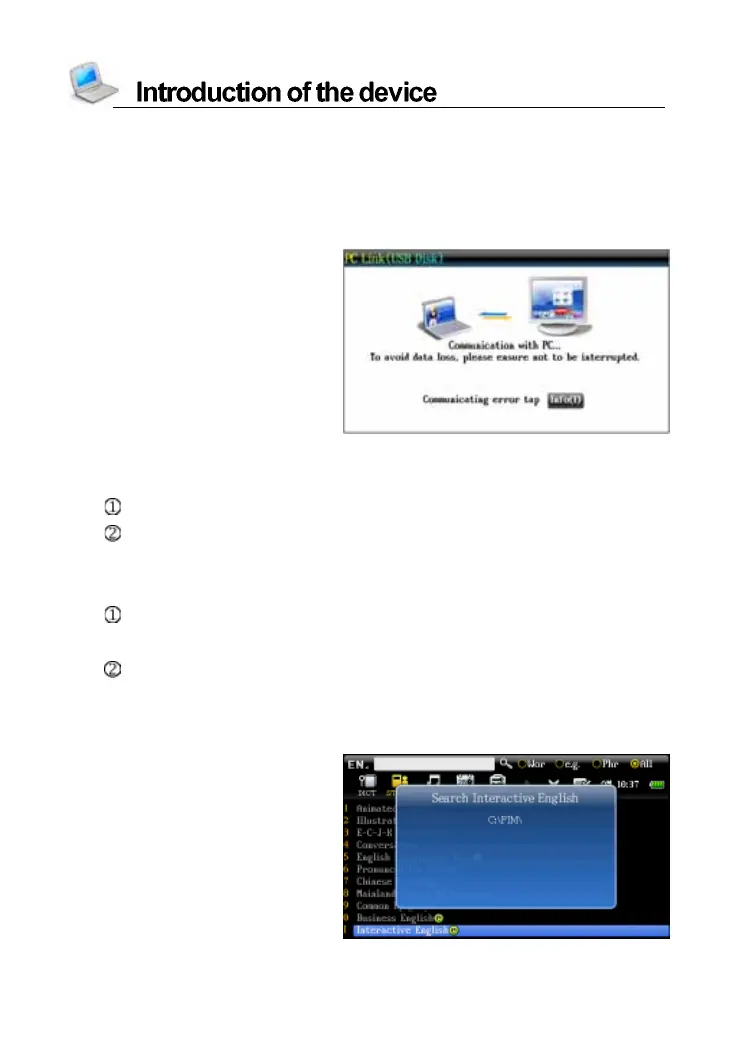
eg., Download the data of Interactive English to device:
Step 1:
Use USB cable to connect the PC and device, and then enter the
function window of “SYS--PC Link”.
Device
Step 2:
Please insert the CD-ROM to PC.
Duplicate data from CD to new disk of PC, and make sure capacity of
the disk is big enough to save the data.
` Step 3:
Finish to download the data, please escape from the function screen
of “SYS--PC L ink”.
Enter the screen of Interactive English, the device begins to search
the download data.
Search the data



 To Next Page