87
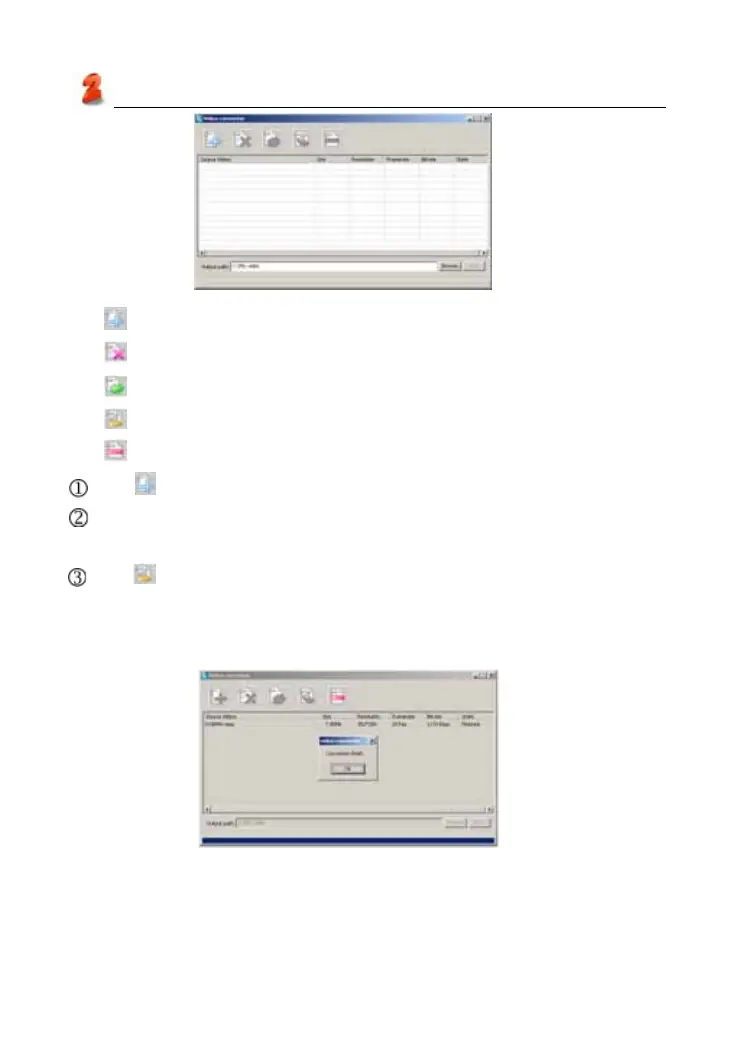
Tool bar:
:Add the media files which need to be converted.
:Delete the files which you selected.
:Delete the files in the file list.
:Begin to convert files.
:Stop to convert files.
Tap to select the files which need to be converted, then click “OK”.
Tap [Browse] to browse the folder of output files, default path of SYS is:
C:\MY video.
Tap , begin to convert to a avi format file. After finish converting, escape
from the display frame, there will be a mention is “Convertion Finish”.
(as picture 14)
Service Toolkit
picture 13
picture 14



 To Next Page