MCS-D 200 – Menu
13
3.3.2 Main Menu
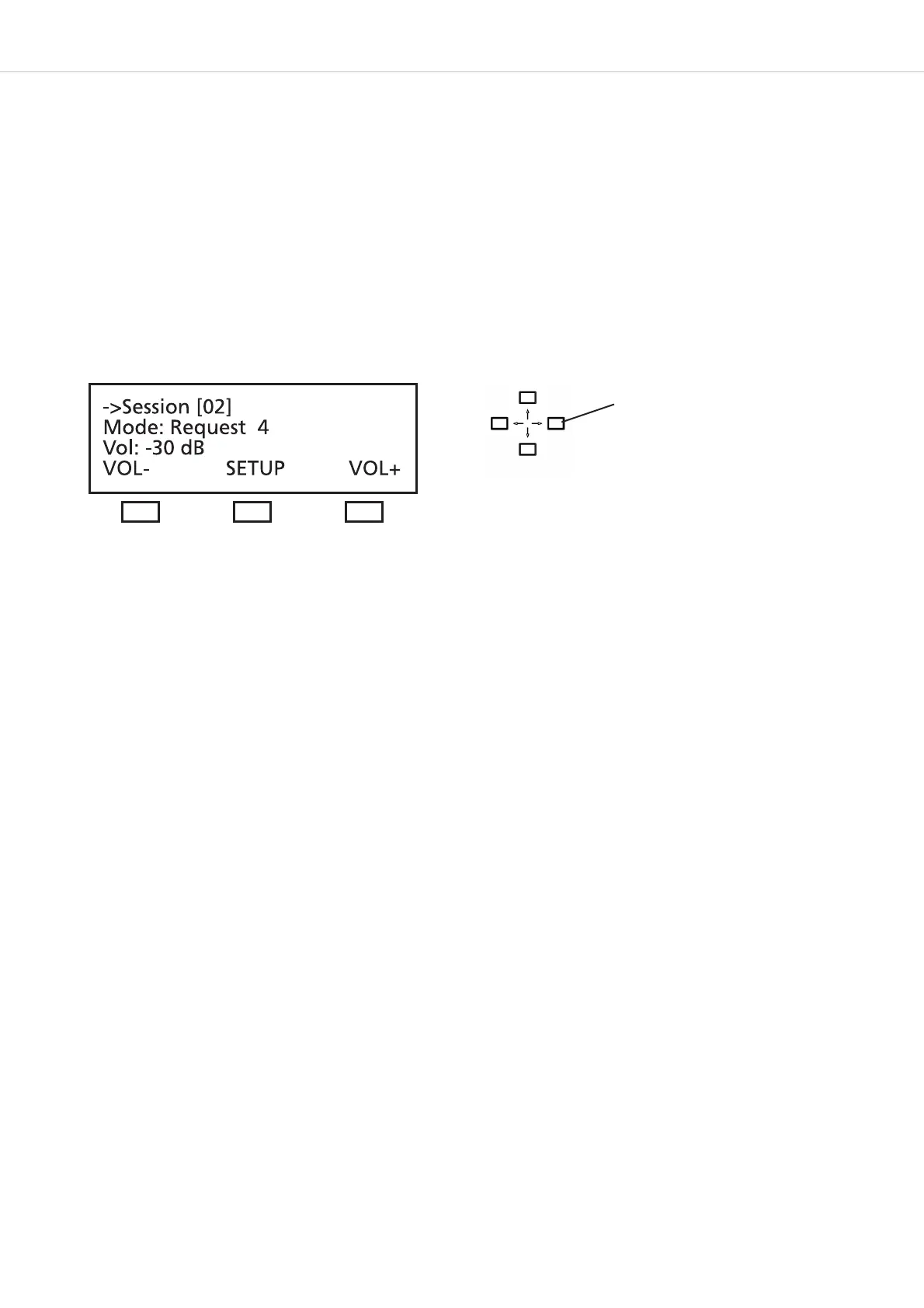
The main menu displays:
the session number (here it is session 01),
the current operating mode (here it is: Free),
the number of open microphones (here the limit is: 3) and the volume
of the loudspeakers of the microphone station (here it is -1.5 dB)
MultiSession: How to change to the next meeting
In the MultiSession operation, i.e. when the same MCS-D 200 control unit is used for several meetings, the right and left hand navigator
buttons can be used for selecting the individual meetings.
The main menu indicates the settings such as operating mode, limit and volume of the selected meeting.
The iCNS software is required for the MultiSession operation.
Conference Volume: VOL- and VOL+ buttons
To increase or reduce the volume of the selected meeting (3rd line of the main menu) directly. Press the left hand button (VOL-) to reduce
the volume; press the right hand button (VOL+) to increase the volume. The volume is changed in steps of 1.5 dB from -94.5 dB to 0 dB.
SETUP Button
Press the SETUP button to access the SYSTEM SETUP menus and SESSION menus (refer to the illustration of the menu overview of the
MCS-D 200 control unit).
Note:
The SYSTEM SETUP menus are for the general system settings = GLOBAL SYSTEM SETTINGS : Define Channels, Message(s), Options,
Delegate IDs, Interpreter IDs, Technician IDs and DAI/DDI Management. All devices, channels, messages and options of the whole
MCS-D 200 system are defined via these menus.
In the SESSION menus you can prepare settings for individual meetings.
Use the right and left hand
navigator buttons to toggle
between the individual meetings.












 To Next Page