MCS-D 200 – Menu
14
3.3.3 System Set-up Menus
Warning:
In systems using PC and iCNS software the settings are operated via the iCNS software. The set-up menus of the MCS-D 200
control unit cannot be operated to avoid conflicts.
Note:
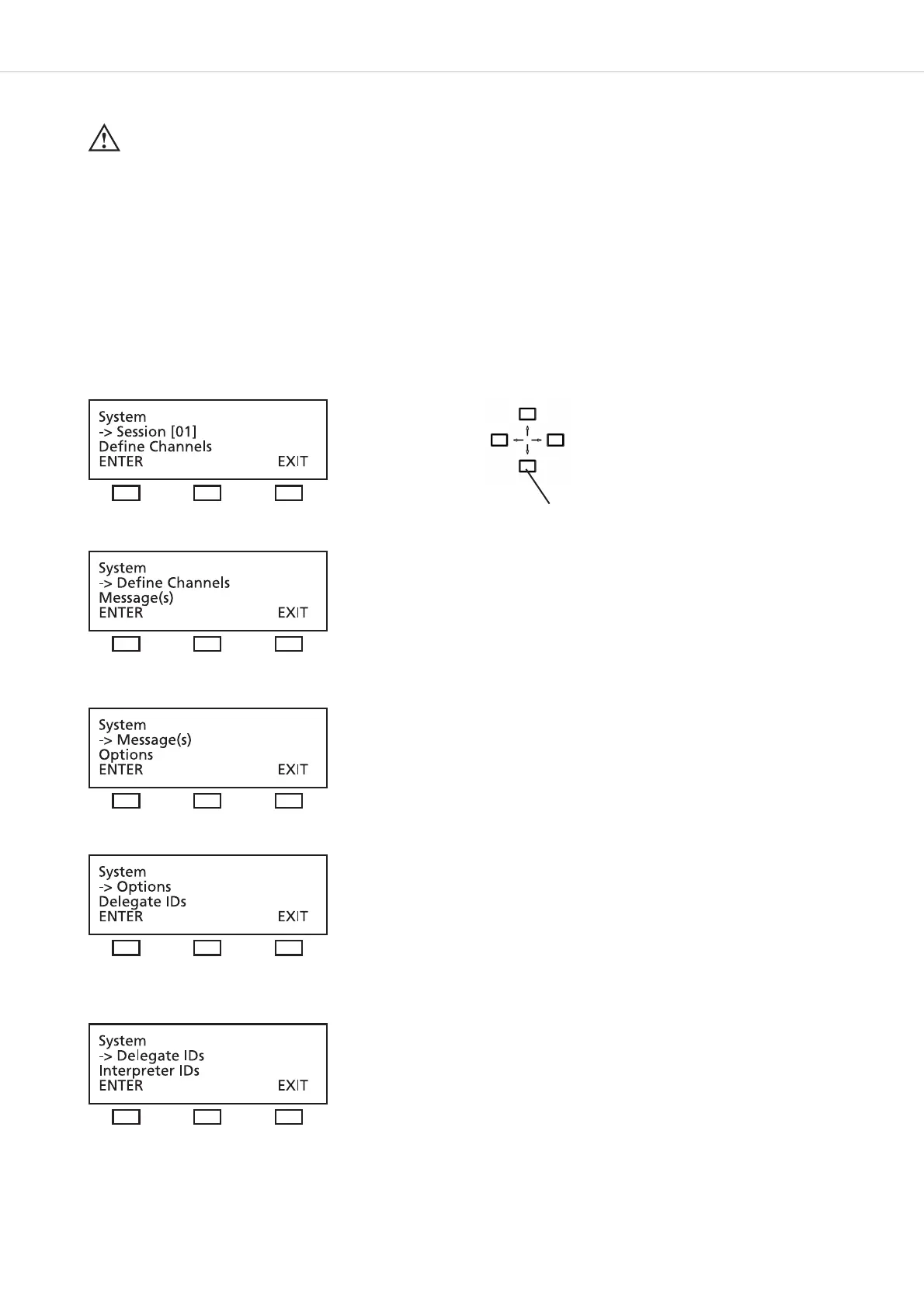
The SYSTEM SETUP menus are used for the settings of the system level = GLOBAL SYSTEM SETTINGS : Define Channels, Message(s),
Options, Delegate IDs, Interpreter IDs, Technician IDs and DAI/DDI Management. All devices, channels, messages and options of the whole
MCS-D 200 system are defined via these menus.
In the SESSION menus you can prepare settings for individual meetings.
Press the SETUP buttons to access the SYSTEM menus. The arrow indicates the current line. Scroll through the menus by using the up
or down navigator buttons. Press the ENTER button to access the submenus. Change individual values by using the left or right hand
navigator buttons.
Use the up or down navigator
button for scrolling.












 To Next Page