MCS-D 200 – Menu
27
3.3.4.6 Microphone Sensitivity (Mic. Sens.)
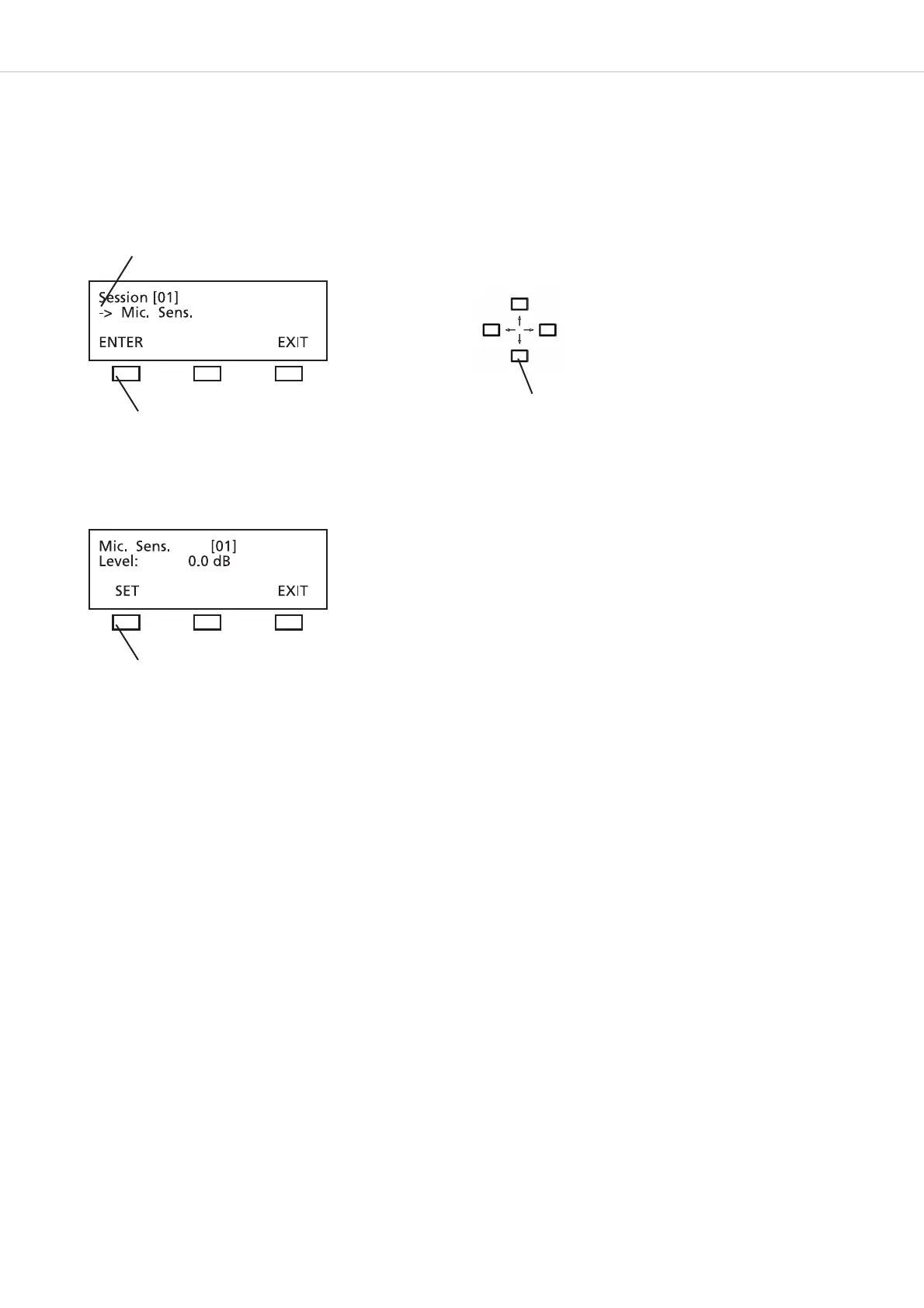
In the MIC. SENS. menu you can select the microphone sensitivity. The microphone sensitivity can be entered with the navigator buttons
from -10.5 to 12.0 dB in 1.5-dB-steps.
Press the SET button to store the setting.
press the ENTER button
Press the SET button to
store the setting.
Use the up or down navigator button to scroll
through the menu
The arrow identifies the current line.












 To Next Page