MCS-D 200 – Menu
38
3.3.10 DAI/DDI Management
The MCS-D 200 control unit features an integrated D/A interface (=INTERNAL DAI) with the connexions CH1 IN, CH2 IN, CH1 OUT
and CH2 OUT.
To provide more analogue inputs and outpus, additional Digital / Analog Interfaces (DAI) are connected via the conference bus for the
connection of external audio devices such as wireless microphones or tape recorders providing the sound of a video film in different
languages. The 19" housing of the CA 4522/4544/4566 Digital / Analog Interface (DAI) may be equipped with a maximum of 3 interface
units (=EXTERNAL DAI), each with 2 analogue audio inputs and outpus. The DAI is powered via the system and is recognised when the
system is started.
In the DAI/DDI MANAGEMENT menu you can set the following:
DAI Management:
• Set an identification number (logical address) for each external DAI.
• Assign channels to the LINE INPUTS and LINE OUTPUTS of the internal and external DAIs.
DAIs are operated as described in the following:
• Set the level of all LINE IN and LINE OUT channels of the internal and external DAIs.
• Switch on/off all LINE IN and LINE OUT channels of the internal and external DAIs.
Warning:
Unused DAI inputs must be OFF, to avoid noise!
DDI Management (Digital/Digital Interface):
• Assign channels to digital outputs
DDIs are operated as described in the following:
• Switch on/off all outputs.
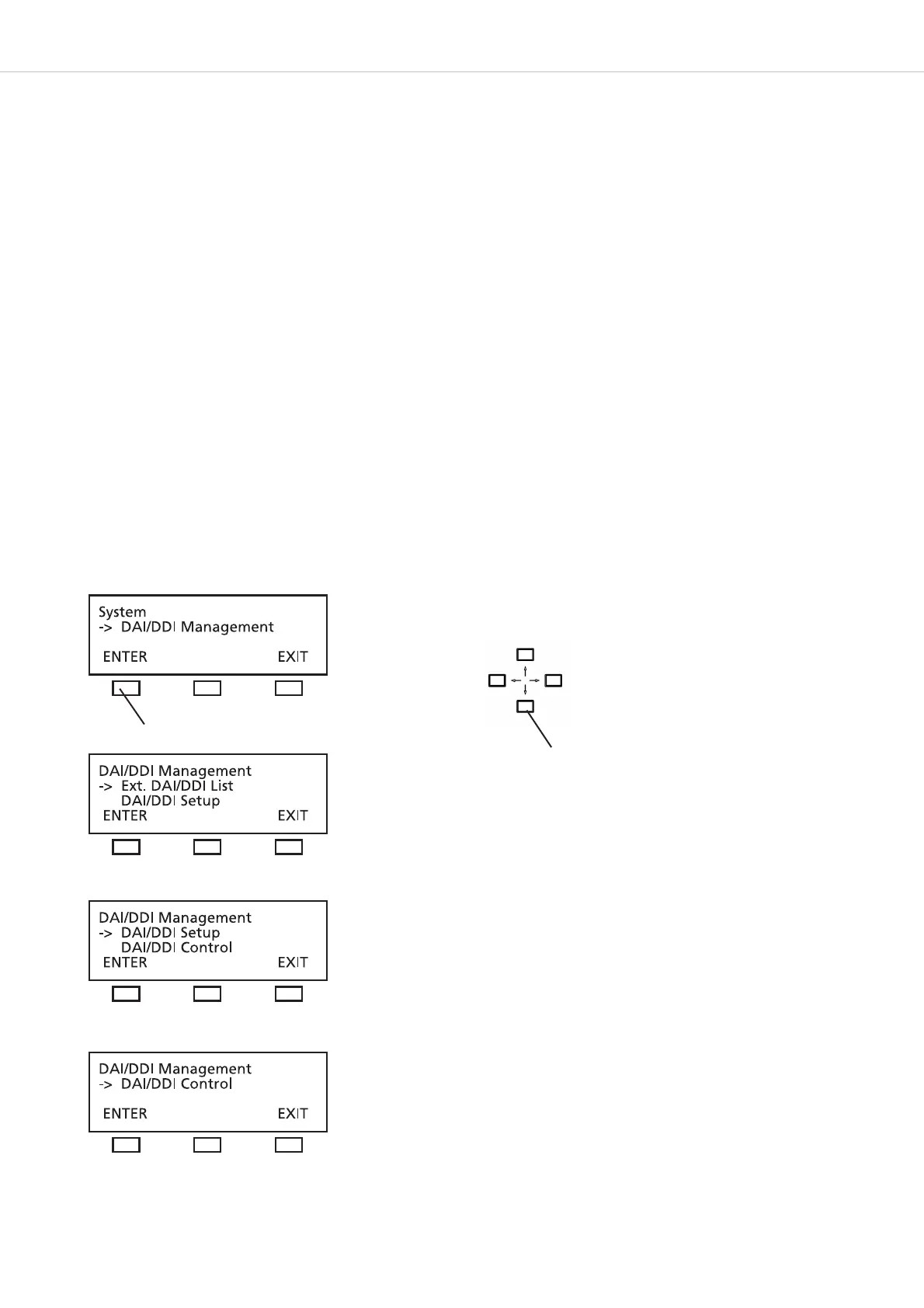
The DAI/DDI Management menus include the Ext. DEVICE LIST, DAI SETUP and DAI CONTROL menus.
Use the up or down navigator button for scrolling
press the ENTER button












 To Next Page