MCS-D 200 – Menu
25
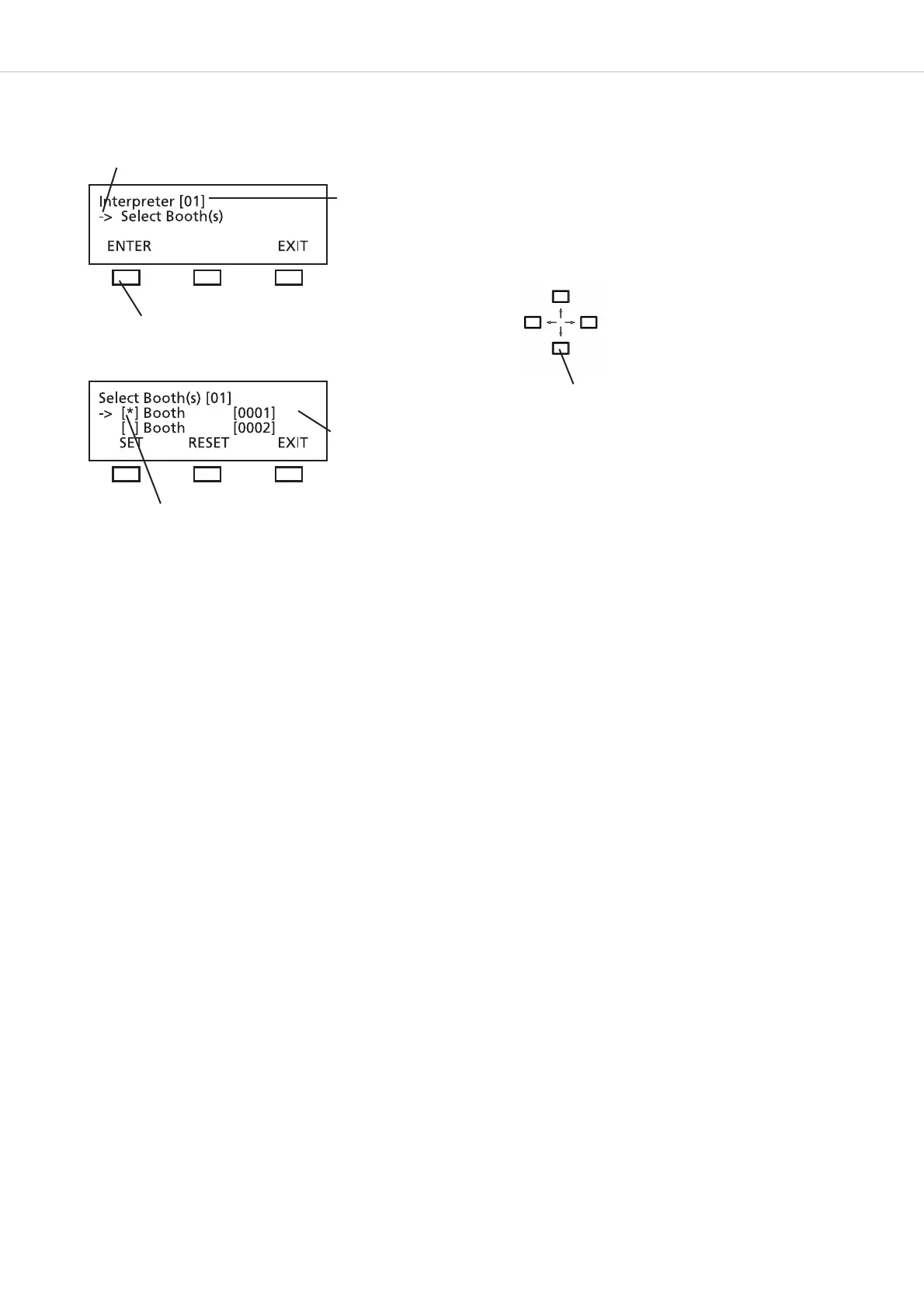
How to select the required interpreter’s booth(s) for the session
Select all booths required for the selected session from the booth list (refer to chapter 3.3.7.1 “ID List”).
Use the up or down navigator button to select the booth required for the session (here: 01). Then press the SET button. The star identifies
the selected booth. Repeat these steps to select more booths.
To remove a selected booth from the session press the RESET button. The star is removed. Repeat these steps if you want to remove more
booths from the session.
Press the EXIT button to leave the menu.
The arrow indicates the active line.
Session number
Booth number
press the ENTER button
The star identifies the selected booth.
Use the up or down navigator button to scroll
through the menu












 To Next Page