Advanced Setup
96
2. Management
You can upgrade or initialize your DP-Lite in this menu.
2-1.
Firmware
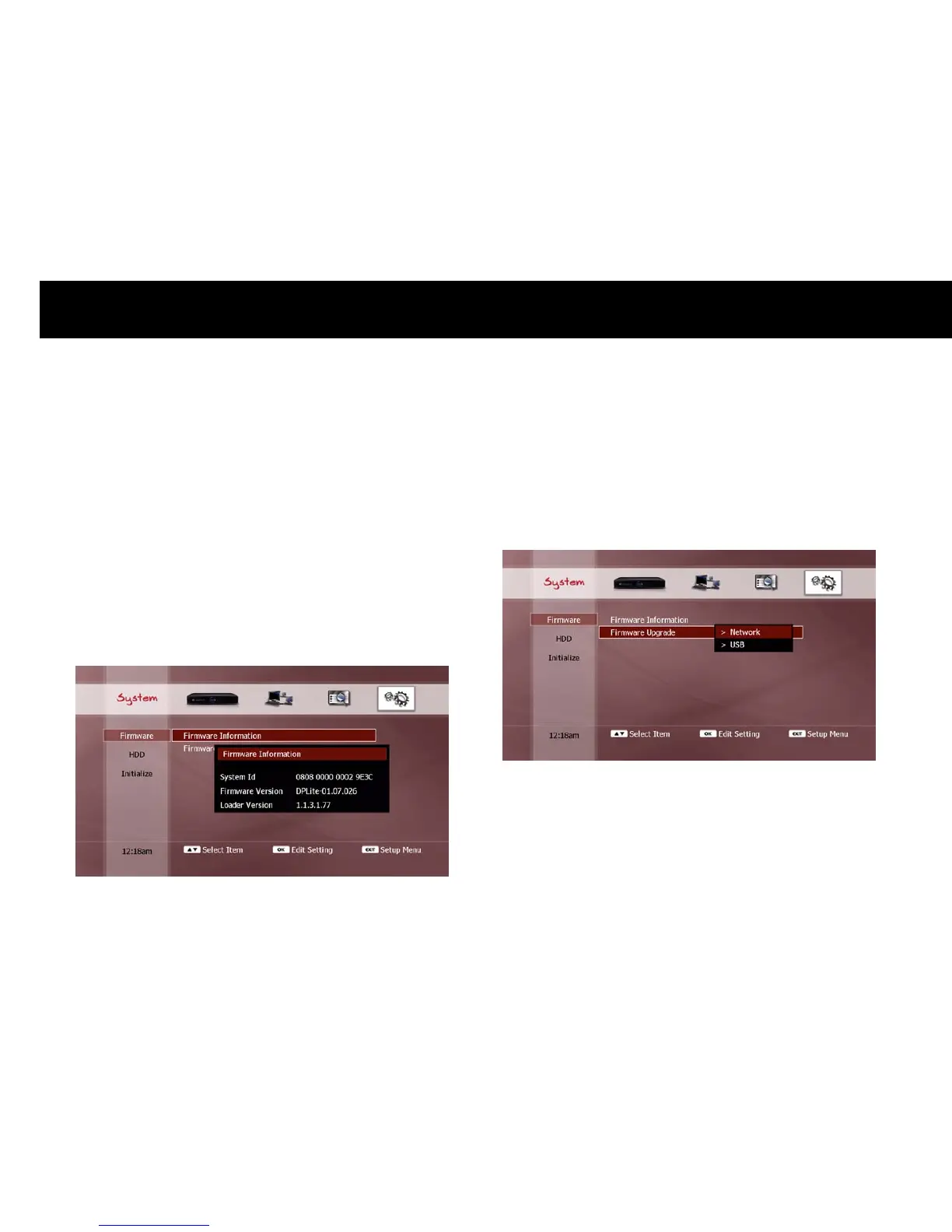
1) Firmware Information
This displays a pop-up window with the current system information, as
follows;
System identity number.
Firmware version number.
Loader version number.
2) Firmware Upgrade
You can upgrade your DP-Lite with the latest firmware. Please visit the
beyonwiz website (www.beyonwiz.com.au) for firmware information.
To upgrade the firmware, download the latest version from the above
website. The DP-Lite can upgrade to a firmware file stored on a
networked PC, attached USB device, memory card.
Select the type of storage device where your firmware file is located and
press the
OK
button. A pop-up browser window will appear.



 To Next Page