Advanced Setup
90
1-4.
PVR
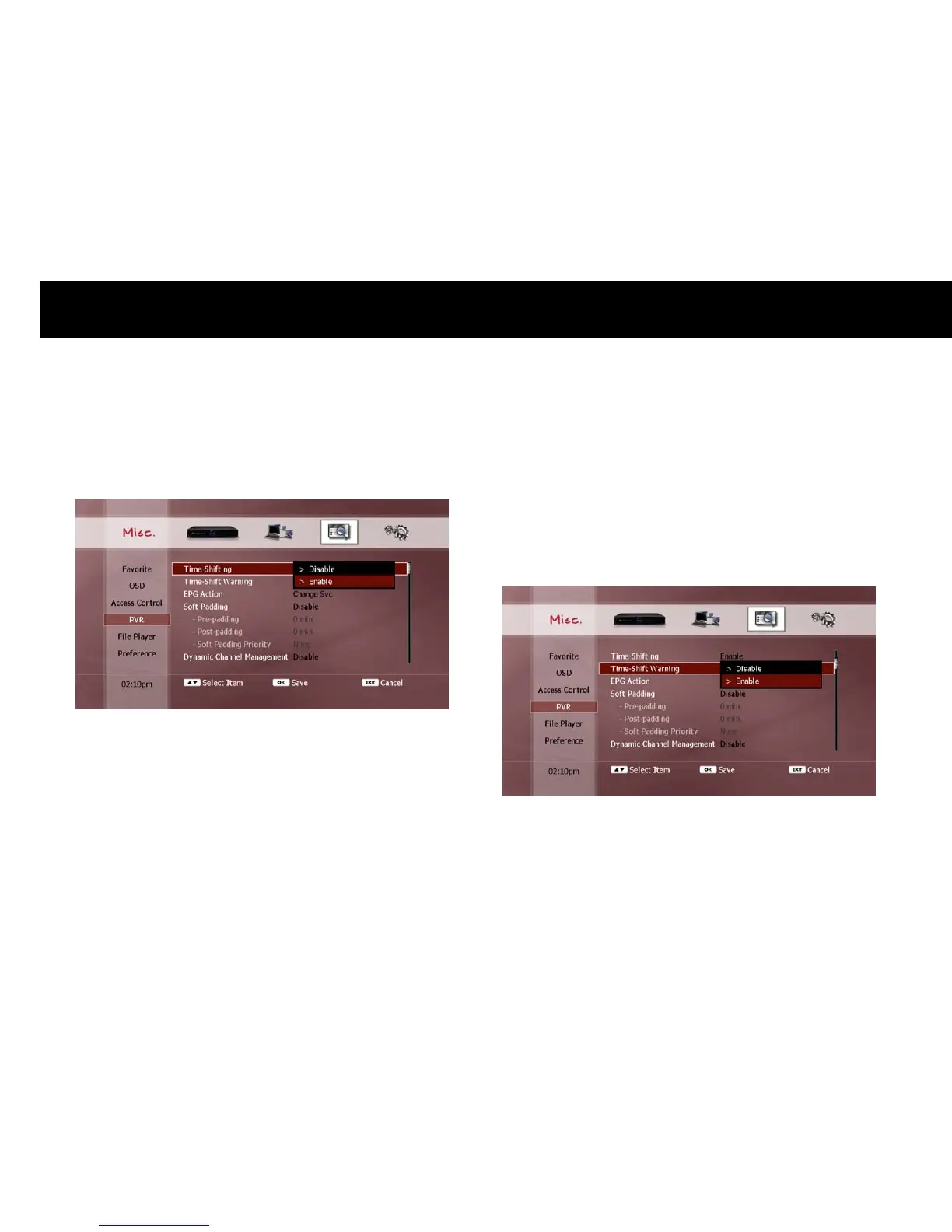
1) Time-shifting
You can turn off the time-shift function to reduce the workload of the
internal hard disk drive (HDD).
NOTE
To enable the time-shift function temporarily, press the
PAUSE
button while you are watching a live TV program. You can then use
all the time-shift functions as described in the “Time-shifting” section
in Chapter 5), including all the trick-mode operations.
2) Time-Shift Warning
You can have a warning message displayed if you are currently time-
shifting and you attempt to perform an action which would delete the
time-shift buffer, as follows;
Changing to a different service.
Entering File Play, Setup or WizTV modes.



 To Next Page