How to Connect
15
3-2.
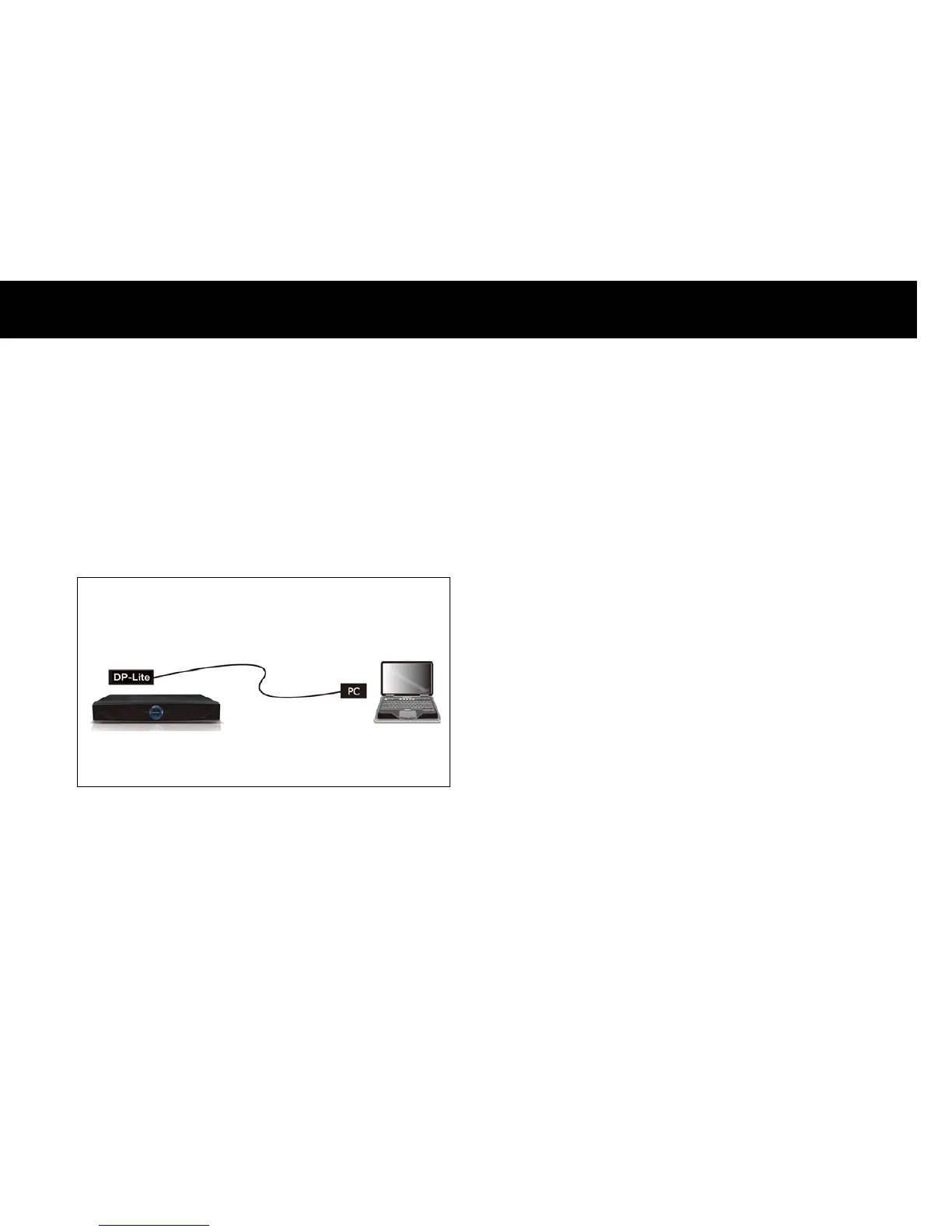
Direct Connection to a PC
With this configuration, you can share contents with a PC but the DP-
Lite cannot access the internet. For this connection, the following
equipment is required;
A PC with an Ethernet connection (Network Interface Card)
An Ethernet crossover cable.
If your PC has the DHCP server feature and it is enabled, all the
configurations for networking will be set automatically and the DP-Lite
is ready to communicate with your PC. If your PC does not have the
DHCP server feature, you must disable the DHCP feature and set IP
(Internet Protocol) information manually for the DP-Lite and PC. For
more information on manually configuring DHCP, please refer to Chapter
4 “Quick Setup”.
Crossed Ethernet Cable



 To Next Page