Quick Setup
28
3. Network
The DP-Lite supports an Ethernet (LAN) interfaces. This section will
guide you on how to configure the network interfaces.
3-1.
Enable Ethernet
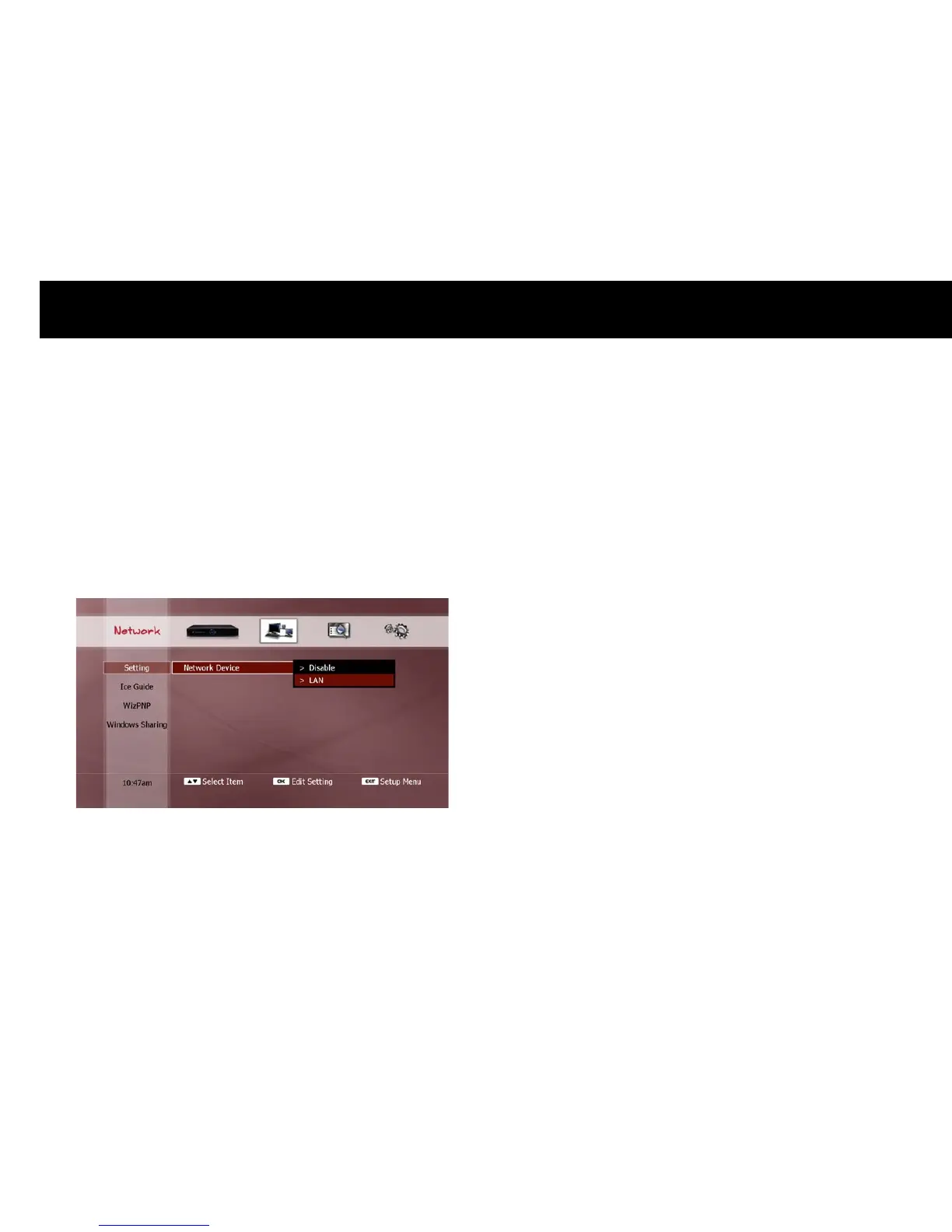
The first step is to enable the Ethernet interface. In the Network
Device menu, select the “LAN” option.
NOTE
If you select “Disable”, the DP-Lite will not appear as a networked
device on your network.



 To Next Page