File Playback
72
2-2.
Music Playback
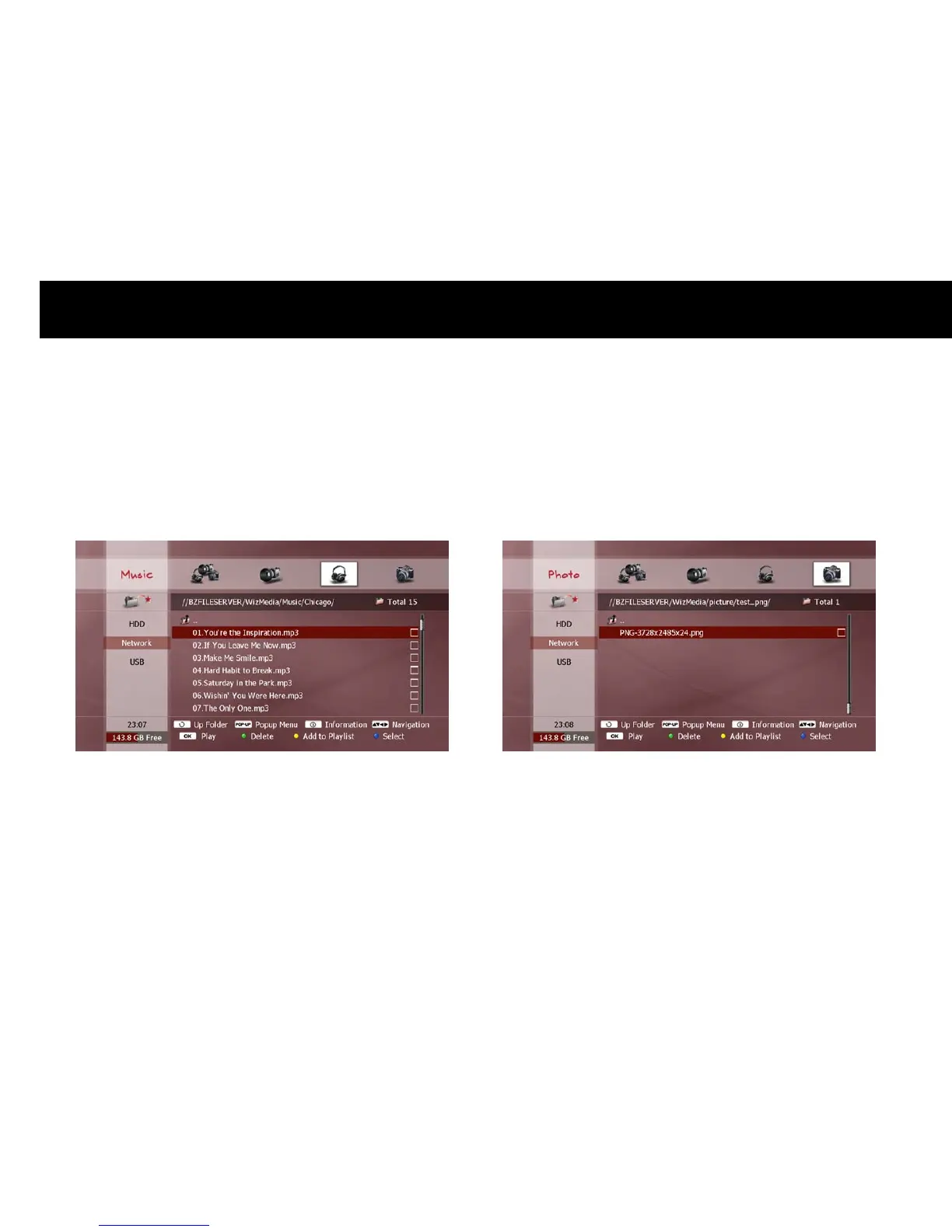
Music files are played in the same manner as video files. The same file
selection functions, playback functions and trick-mode operations apply.
See the previous sections “Exploring Contents” and “Movie Playback” for
details.
NOTE
Some audio files will not play if the content is in a format not
supported by the DP-Lite.
If you wish to play a selection of audio files located in different folders
or devices, use the Playlist function (see “Playlist” section later in this
chapter).
2-3.
Photo Playback
To view a photo, locate your chosen picture file(s) (see previous section
“Exploring Contents”) and press the
OK
button.
The DP-Lite automatically begins a slide show. After a set duration, the
next photo in the File list will be shown



 To Next Page