Advanced Setup
101
2-3.
Initialize
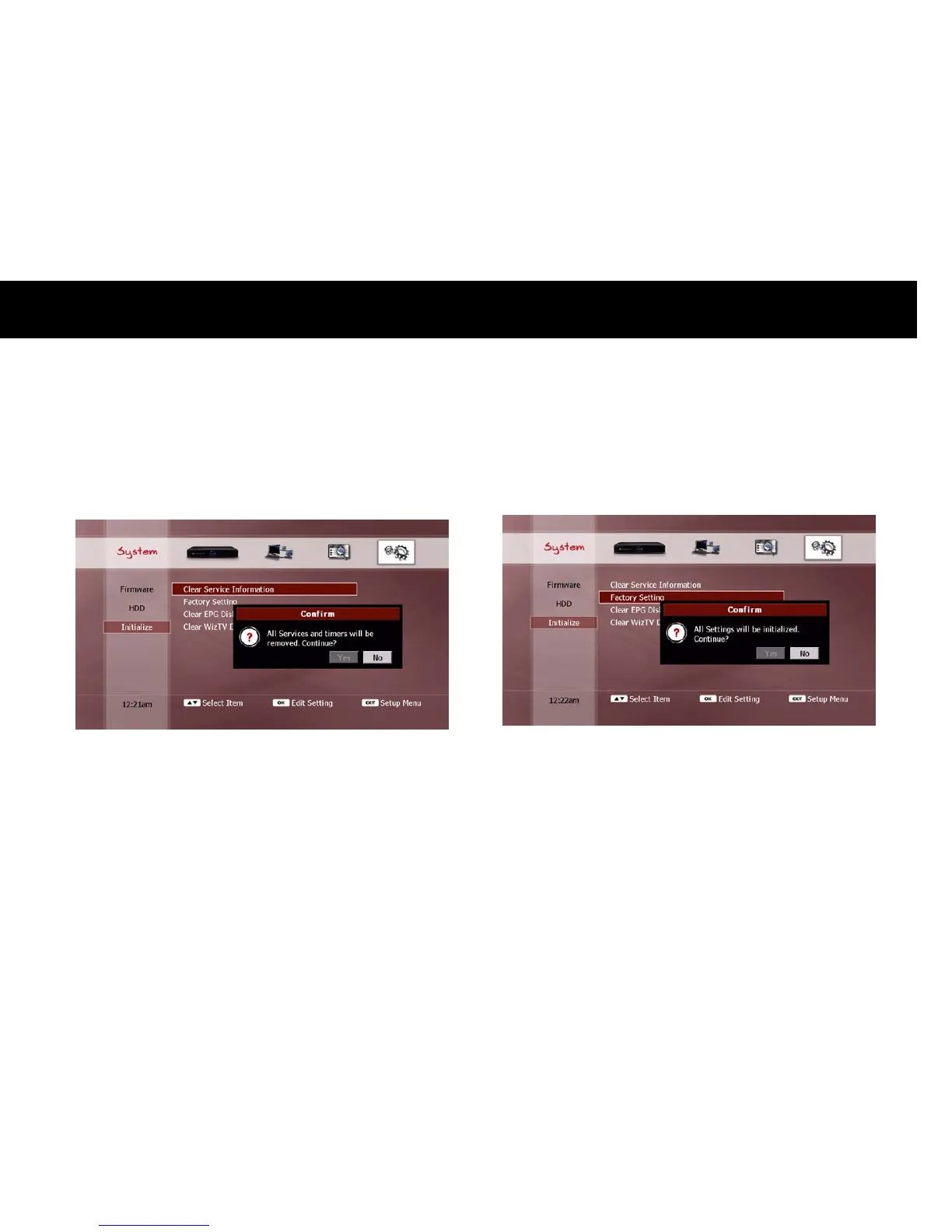
1) Clear Service Information
You can clear all the scanned services information. If you select this
menu item with the
OK
button, a confirmation pop-up dialog will be
displayed, as shown below;
Select “Yes” and press the
OK
button to proceed. To cancel the clear
services function, select “No” and press the
OK
button, or press the
EXIT
button.
2) Factory Setting
You can restore the DP-Lite to its factory configuration. This will erase
all setup information. If you select this menu item with the
OK
button,
a confirmation pop-up dialog will be displayed, as shown below;
Select “Yes” and press the
OK
button to proceed. To cancel the factory
setting function, select “No” and press the
OK
button, or press the
EXIT
button.
NOTE
A factory reset will NOT delete any media files on the internal HDD.



 To Next Page