STB & PVR Function
54
3-5.
Recording Control
1) Pause/Resume and Stop Recording
To pause recording for a period of time (e.g. to skip commercial
advertisements), press the
REC
button while you are watching the
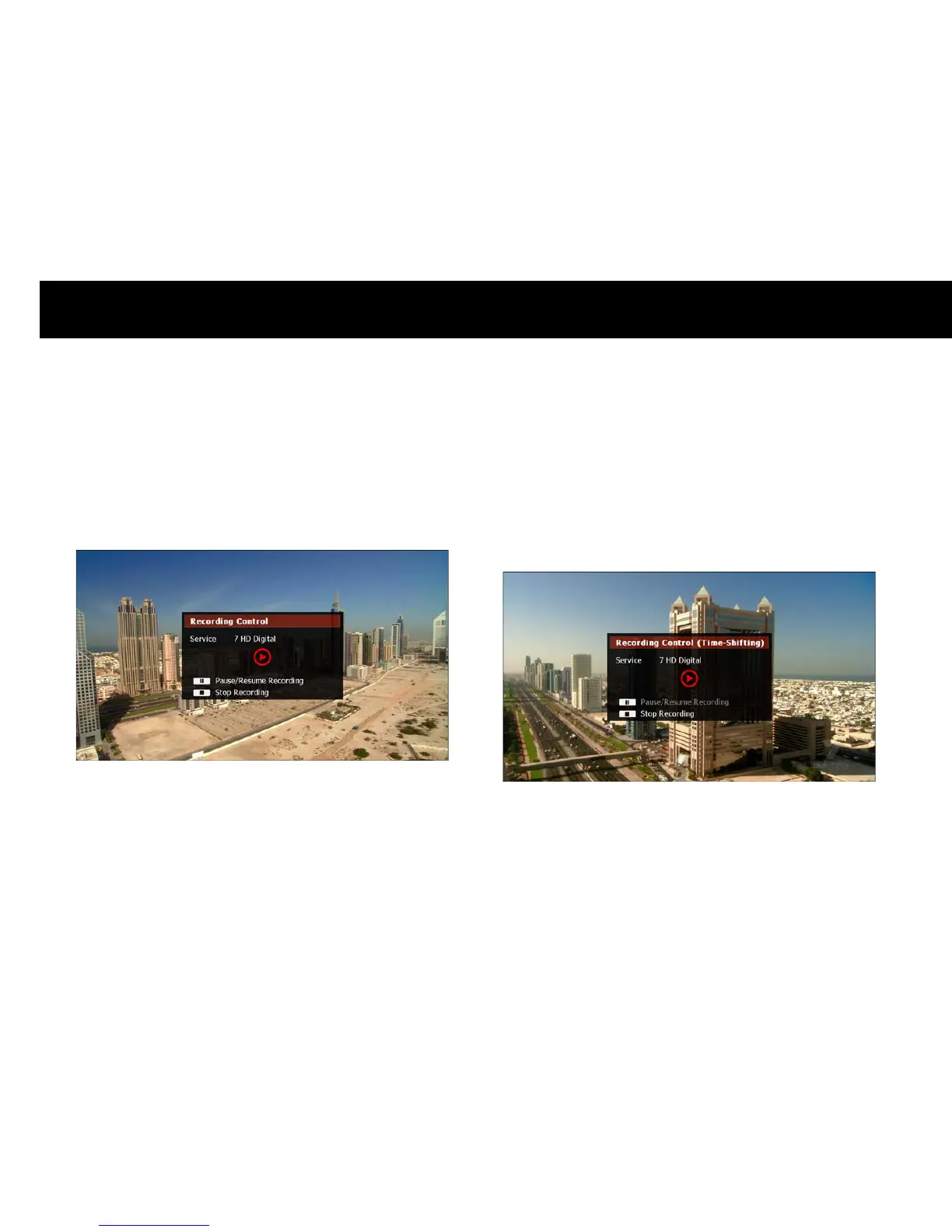
service being recorded. A “Recording Control” window will be displayed,
as shown below.
You can perform the following functions;
Pause recording:
Press the
PAUSE
button to pause recording. When
you are ready to resume recording, press the
PAUSE
button again.
Stop recording: Press the
STOP
button to stop a recording before the
set recording duration has elapsed.
To hide the recording control menu, press
EXIT
.
NOTE
You cannot pause recording if you are watching the program at a
time-shifted position, as shown below.



 To Next Page