Quick Setup
29
3-2.
Ethernet Setting
1) Automatic Configuration
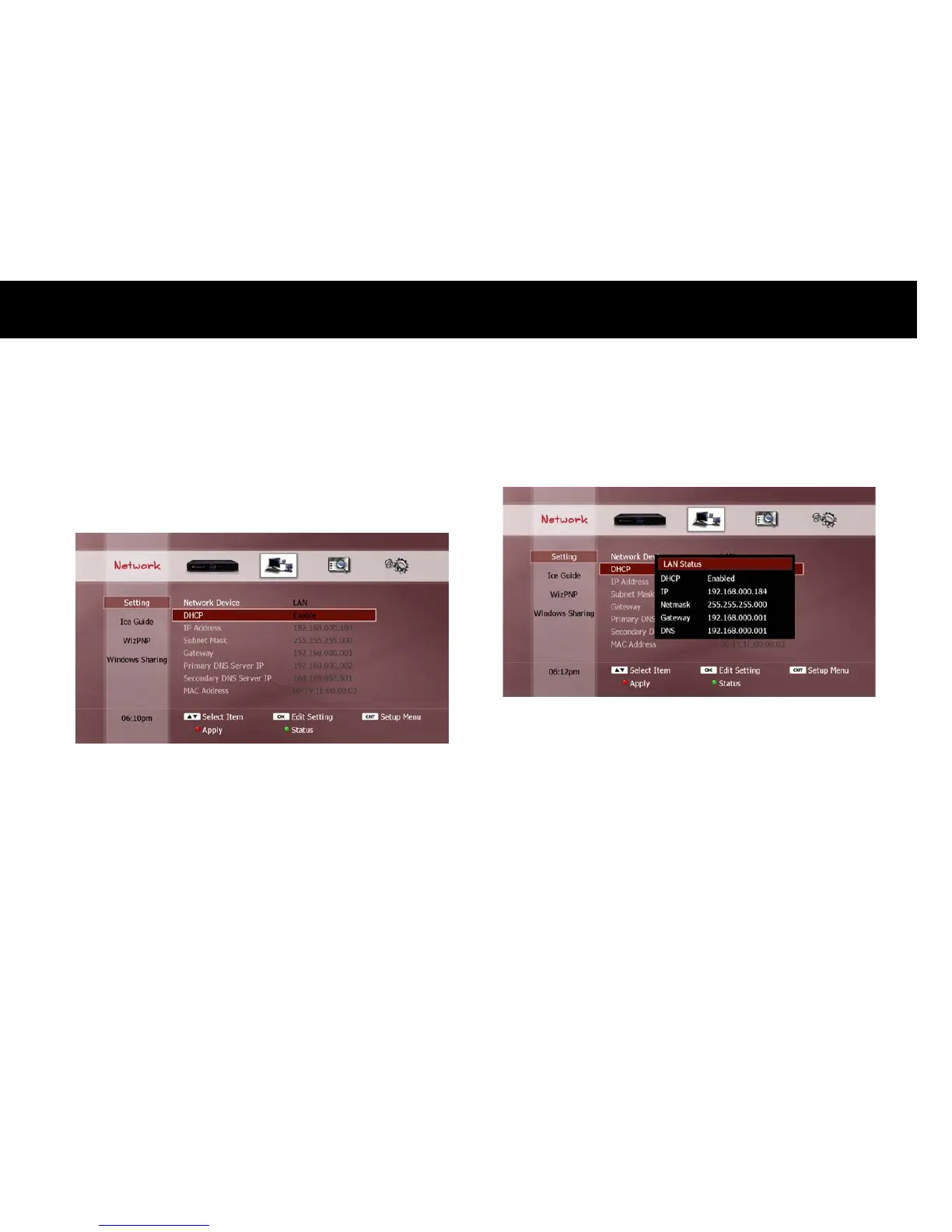
If you have selected “LAN” as your network interface, all items to be
configured for the Ethernet interface will now be displayed.
DHCP: If you want all configuration options to be set automatically
from your router, select the “Enable” option. In this case, all
subsequent settings options are disabled. Then press the
RED
button to update the LAN settings. A “LAN Status” pop-up window
will now appear to show you the updated LAN settings.
Press
EXIT
to close the “LAN Status” pop-up window.
NOTE
You can also press the
GREEN
button to open the “LAN Status” pop-
up window to check your settings.
In order to use the DHCP function for the DP-Lite, your router must
support DHCP (refer to your router’s user manual).



 To Next Page