Advanced Setup
87
1-2.
OSD
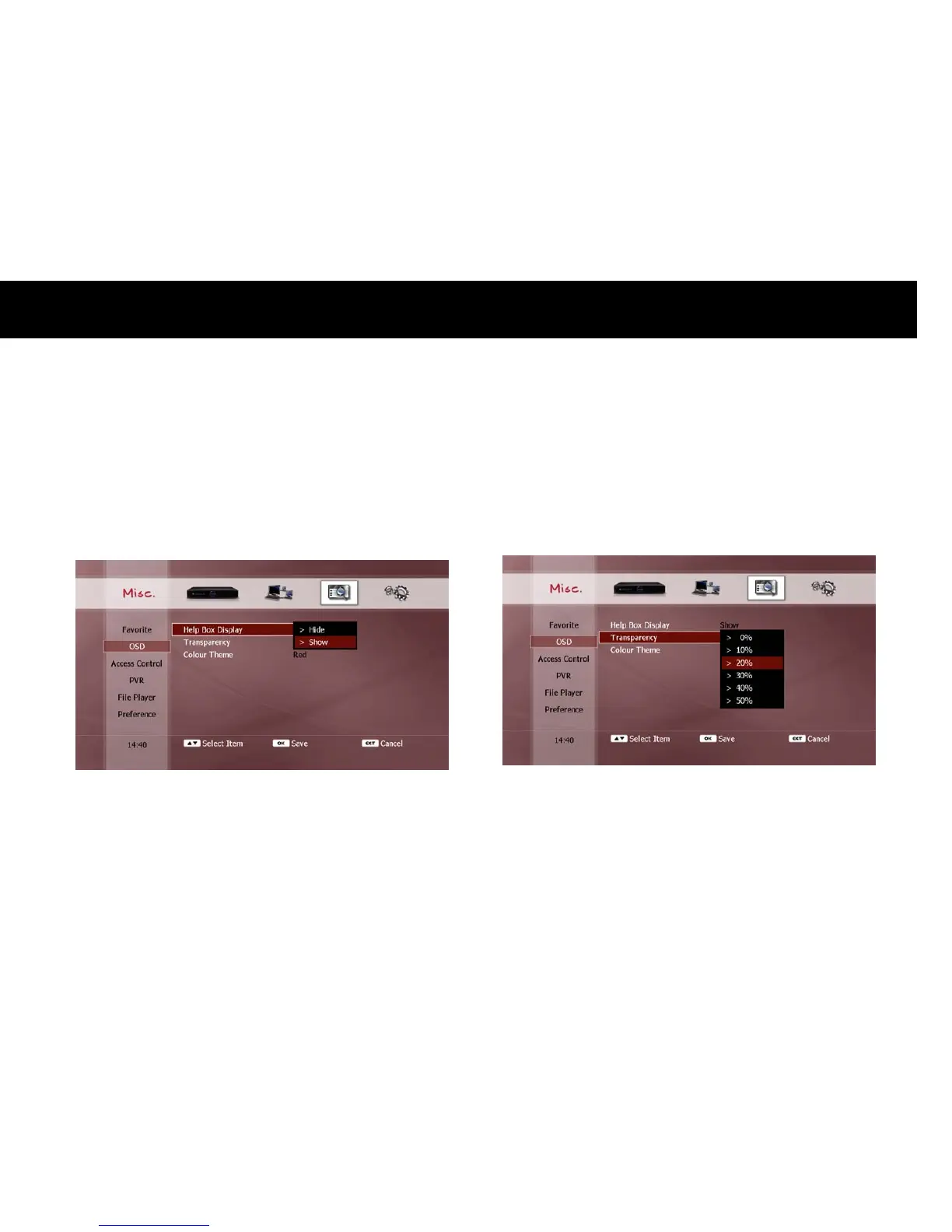
1) Help Box Display
You can hide the help box that is displayed with the service list. This
will extend the service list window so that more services will be listed,
without having to press the
RED
button each time (see “Change Service
with Service List” section in Chapter 5). If you set this option to “Hide”,
the help box does not appear when you press the
LIST
button.
2) Transparency
You can set the transparency of the on-screen display (OSD). This will
change how much of the TV image you can see behind the pop-up
messages which appear on your screen from time to time. You can
select a value from 0% (solid windows) to 50% (highly transparent
windows).



 To Next Page