Quick Setup
34
3-5.
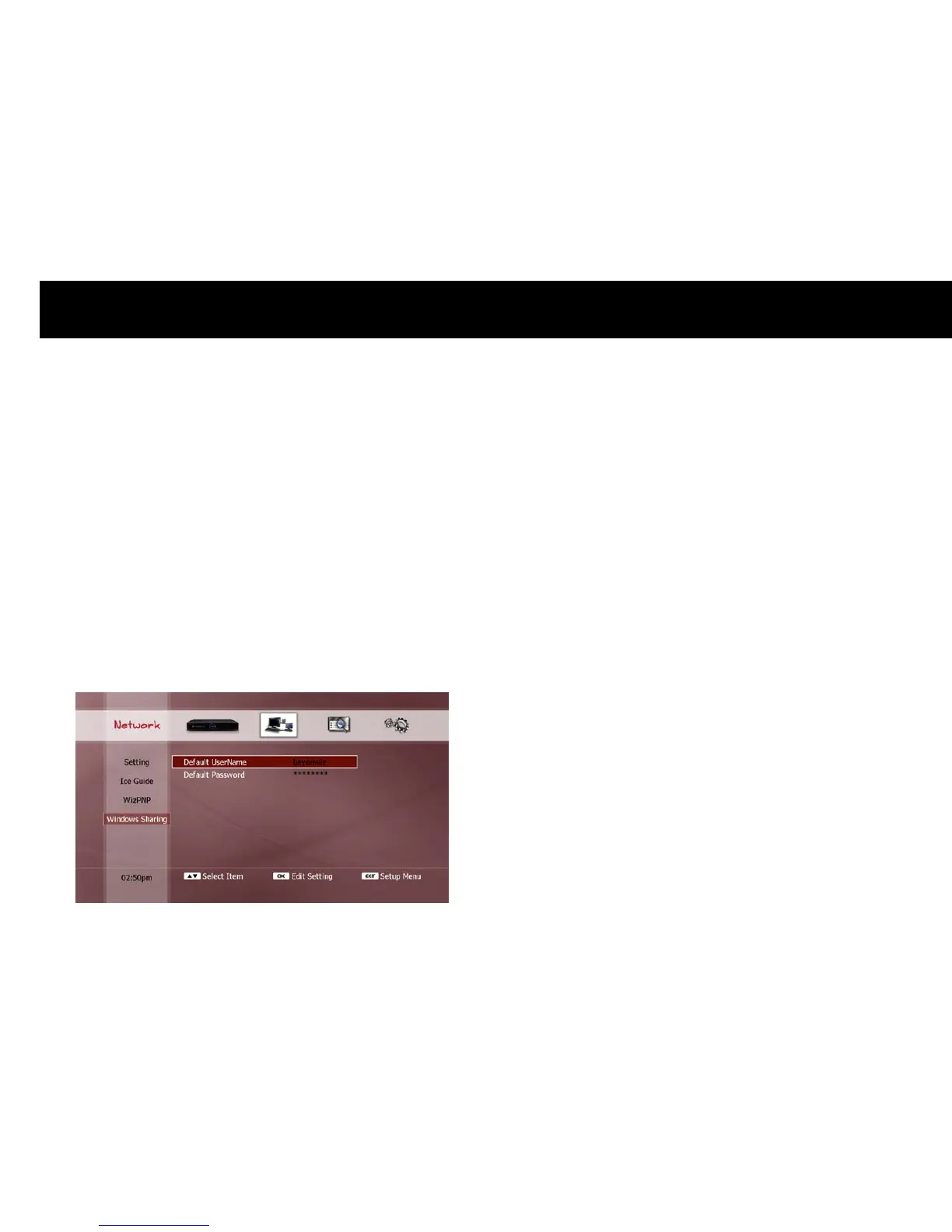
Windows Sharing
The DP-Lite can access files in a shared folder on your PC. This
function requires configuration in the following situations;
(i)
if the PC’s “Guest” account requires a username and password, or
(ii)
if a PC user account other than the “Guest” account is used.
In these cases, you must configure the following settings;
Default UserName: Use the “Keyboard Input” pop-up window to enter
the username of your PC user account.
Default Password: Use the “Keyboard Input” pop-up window to enter
the password of your PC user account.
NOTE
The PC’s “Guest” account cannot be used to copy files from the DP-
Lite to a shared folder on the PC. To perform this function, a
different PC user account must be used, and the DP-Lite’s “Windows
Sharing” function configured accordingly.



 To Next Page