File Playback
67
2. Contents Playback
2-1.
Movie Playback
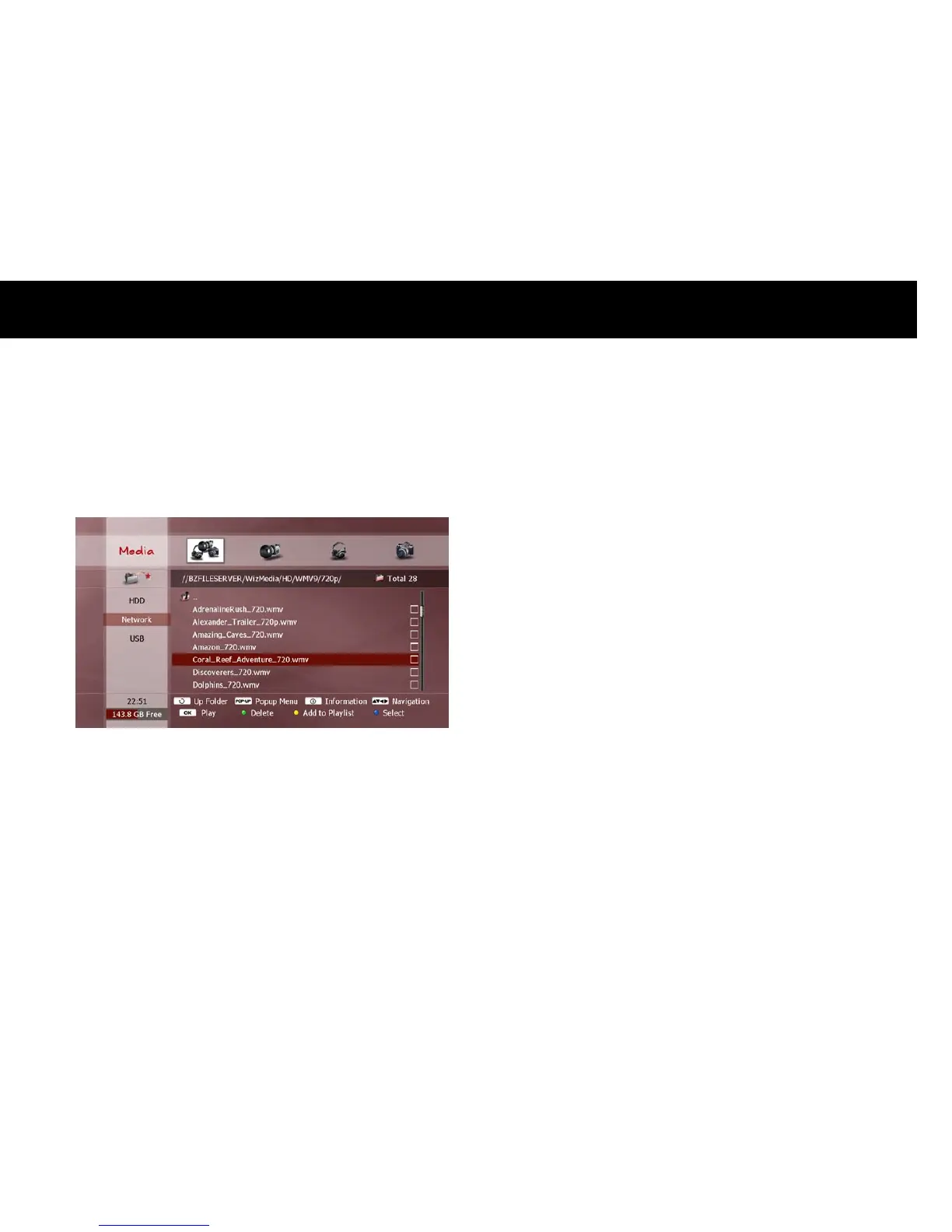
To play a movie, locate your chosen video file (see previous section
“Exploring Contents”) and press the
OK
button.
During playback, you can use the following functions;
PREV
button: Jumps to the previous file in the File list.
NEXT
button: Jumps to the next file in the File list.
STOP
button: Stops playback and returns to the File list.
When playback reaches the end of the video file, the next file in the File
list will automatically begin playing.
NOTE
Some video files will not play if the content is in a format not
supported by the DP-Lite.
It may take a few seconds for a video file to start playing, depending
on the content format.



 To Next Page