Quick Setup
31
3-3.
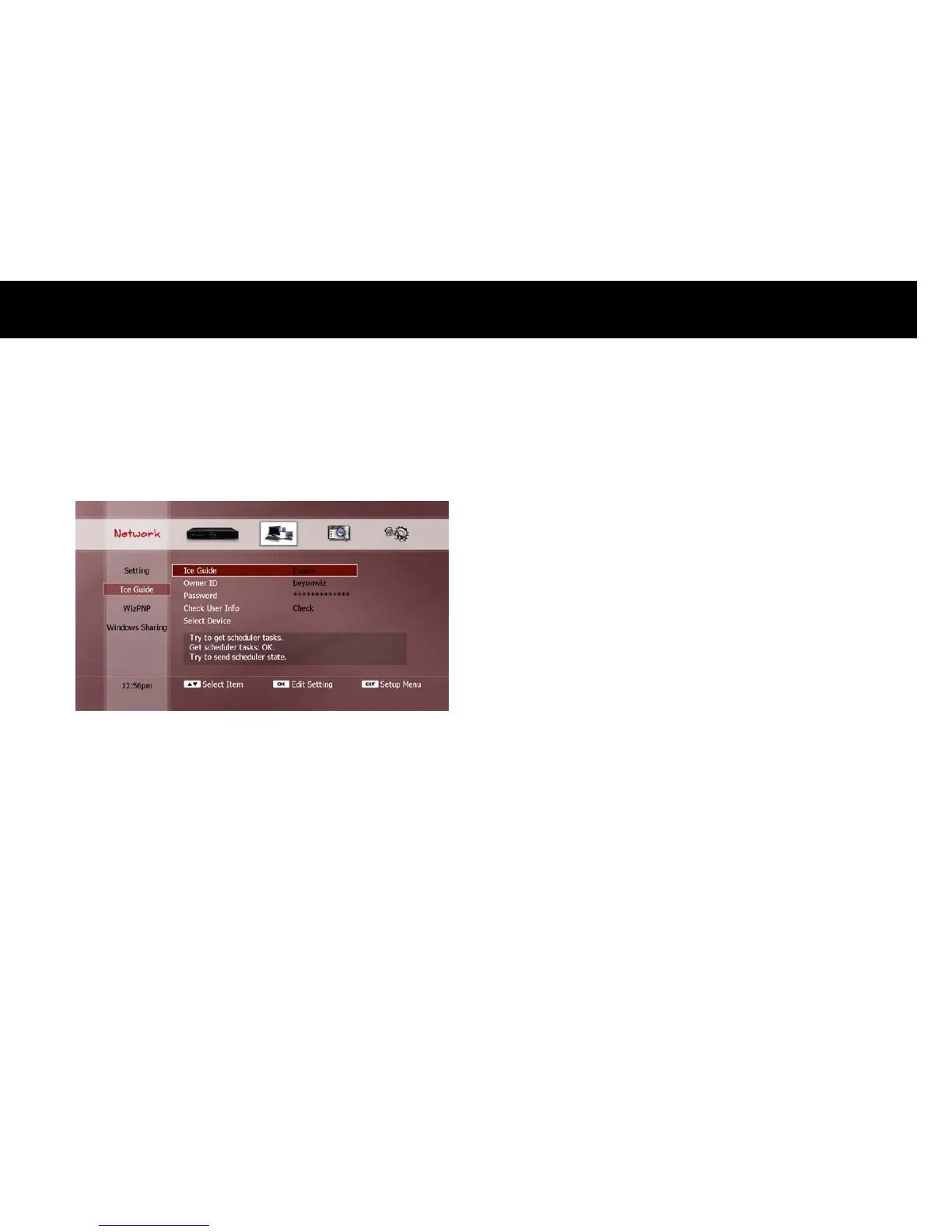
Ice Guide
The DP-Lite supports IceTV service through the Internet. If you have
an IceTV account, and wish to utilise this service on your DP-Lite, you
must configure the following items;
Ice Guide: Select “Enable” to allow the DP-Lite to get and update the
electronic program guide (EPG) from the IceTV service. If you select
“Disable”, the DP-Lite will only update the EPG with the data supplied
by the broadcaster of the currently viewed service.
Owner ID: Enter your user ID for your IceTV account.
Password: Enter your password for your IceTV account.
Check User Info: Press the
OK
button to check if your IceTV account
information is valid.
Select Device: Select the correct device name which you have set on
the IceTV web-site (http://www.icetv.com.au).
NOTE
For more information about IceTV, visit www.icetv.com.au, or refer to
the “EPG (Electronic Program Guide)” section in Chapter 5 to find out
how you can utilise the 7-day EPG using the IceTV service.
You can schedule timer recordings on your DP-Lite from your PC or
mobile phone. Visit www.icetv.com.au for more information
regarding this service.



 To Next Page