How to Connect
16
3-3.
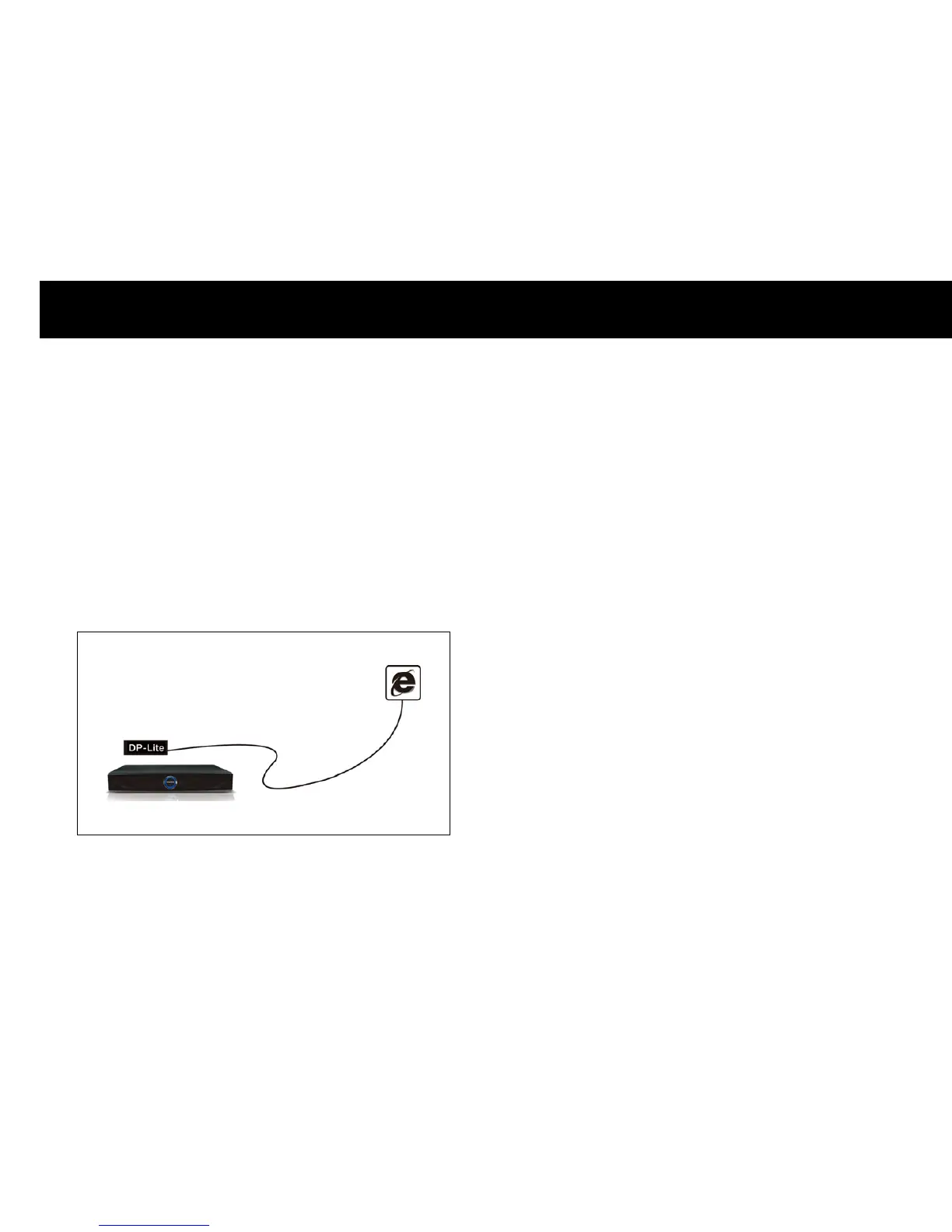
Direct Connection to Internet
With this configuration, you cannot share contents with a PC through
your home network. For this configuration, you will need to connect
the DP-Lite to your ADSL Modem or Cable Modem with an Ethernet
crossover cable (not included in the box). Most ISPs (Internet Service
Provider) support DHCP. Therefore, you can connect your DP-Lite
directly to your gateway with a crossed cable. If your ISP does not
support DHCP you will need to manually configure your DP-Lite, please
contact your ISP for more information.
Internet
Crossed Ethernet Cable



 To Next Page