Advanced Setup
102
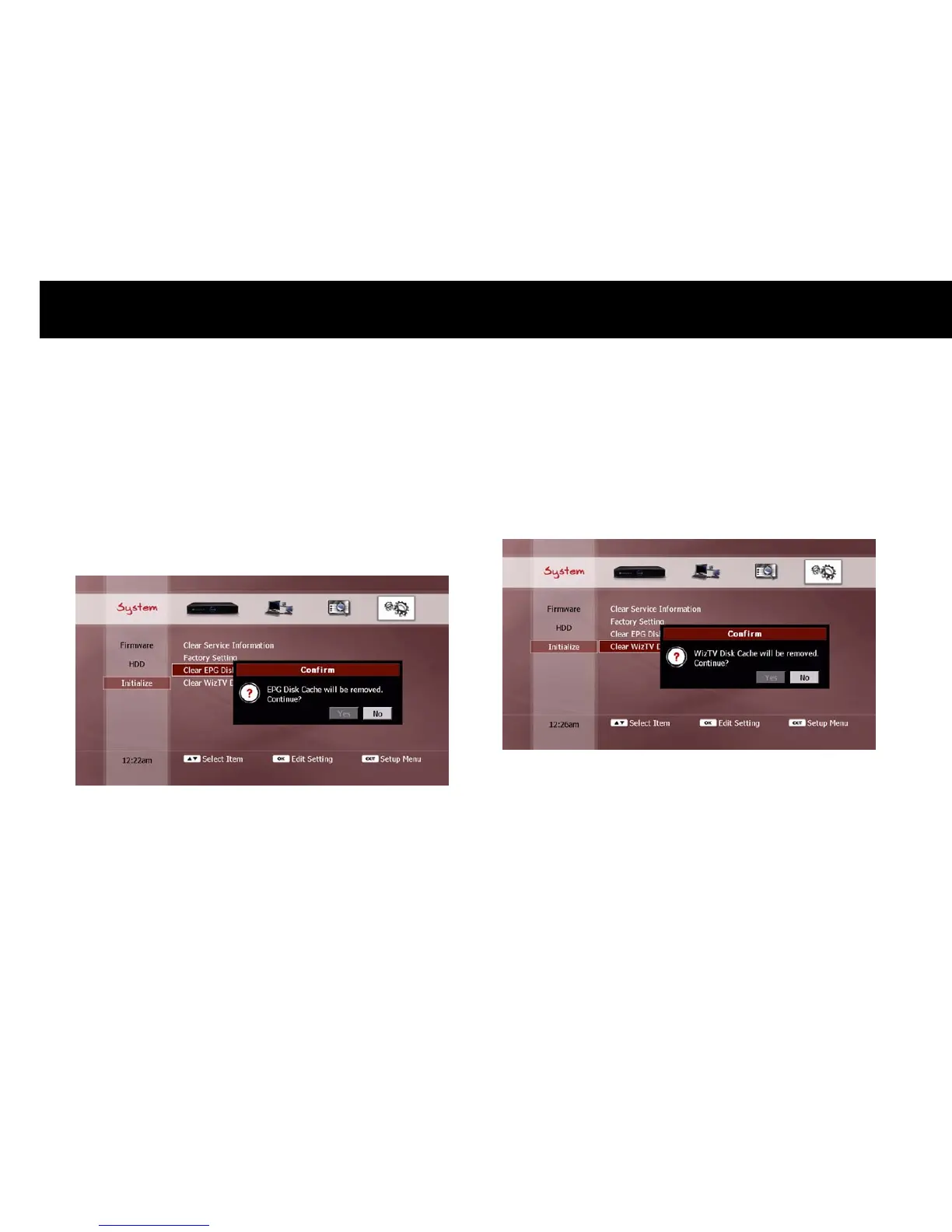
3) Clear IceGuide Disk Cache
The EPG information from IceTV is stored on the internal HDD (see “Ice
Guide” section in Chapter 4). You can clear the EPG information and
reload the data from the IceTV server. If you select this menu item
with the
OK
button, a confirmation pop-up dialog will be displayed, as
shown below.
Select “Yes” and press the
OK
button to proceed. To cancel the clear
IceGuide disk cache function, select “No” and press the
OK
button, or
press the
EXIT
button.
4) Clear WizTV Disk Cache
You can clear the WizTV information stored on the internal HDD. If you
select this menu item with the
OK
button, a confirmation pop-up dialog
will be displayed, as shown below.
Select “Yes” and press the
OK
button to proceed. To cancel the clear
WizTV disk cache function, select “No” and press the
OK
button, or
press the
EXIT
button.



 To Next Page