Advanced Setup
89
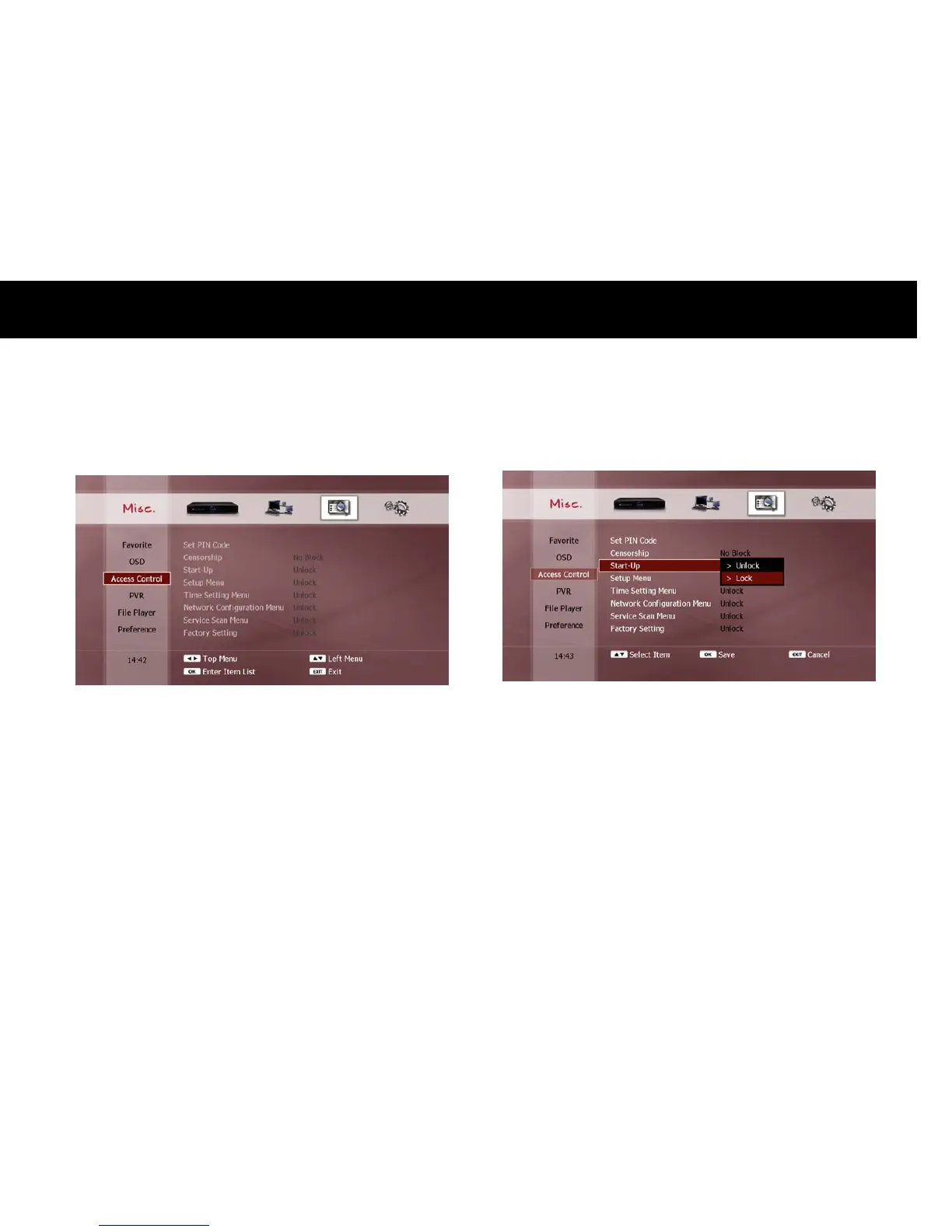
2) Access Control
Several functions can be configured to require PIN number entry, as
follows;
Censorship: To view a program with a selected classification rating or
higher.
Start-up: Every time the DP-Lite is turned on.
Setup Menu: To access to Setup menu.
Time Setting Menu: To change the time and date settings.
Network Configuration Menu: To change the network configuration.
Service Scan Menu: To scan for services.
Factory Setting Menu: To restore to the factory default settings.



 To Next Page