Quick Setup
26
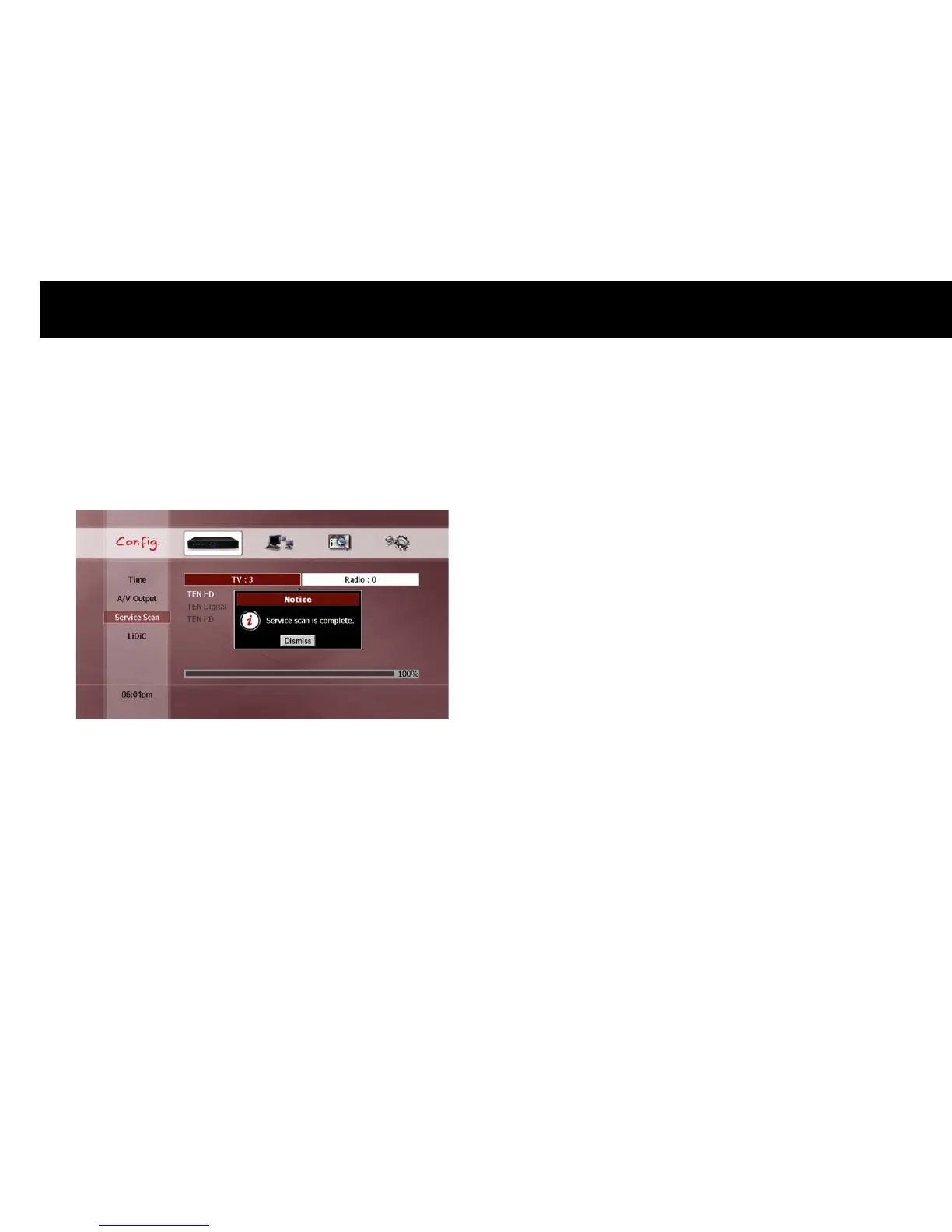
Start Scan: After selecting your scanning range, select Start Scanning
and then press the
OK
button. On the screen, the scanning window
appears and displays the progress.
Once scanning is complete, you are ready to watch live television by
pressing the
LIVE
button.
NOTE
You cannot select an end channel smaller than the start channel.
If you perform a “FULL” service scan, your previous service list,
favorite groups and all timer settings will be deleted.
If you perform a “PARTIAL” service scan, the new service will be
added to your current service list.



 To Next Page