STB & PVR Function
44
4) Service Change on Favorite Group
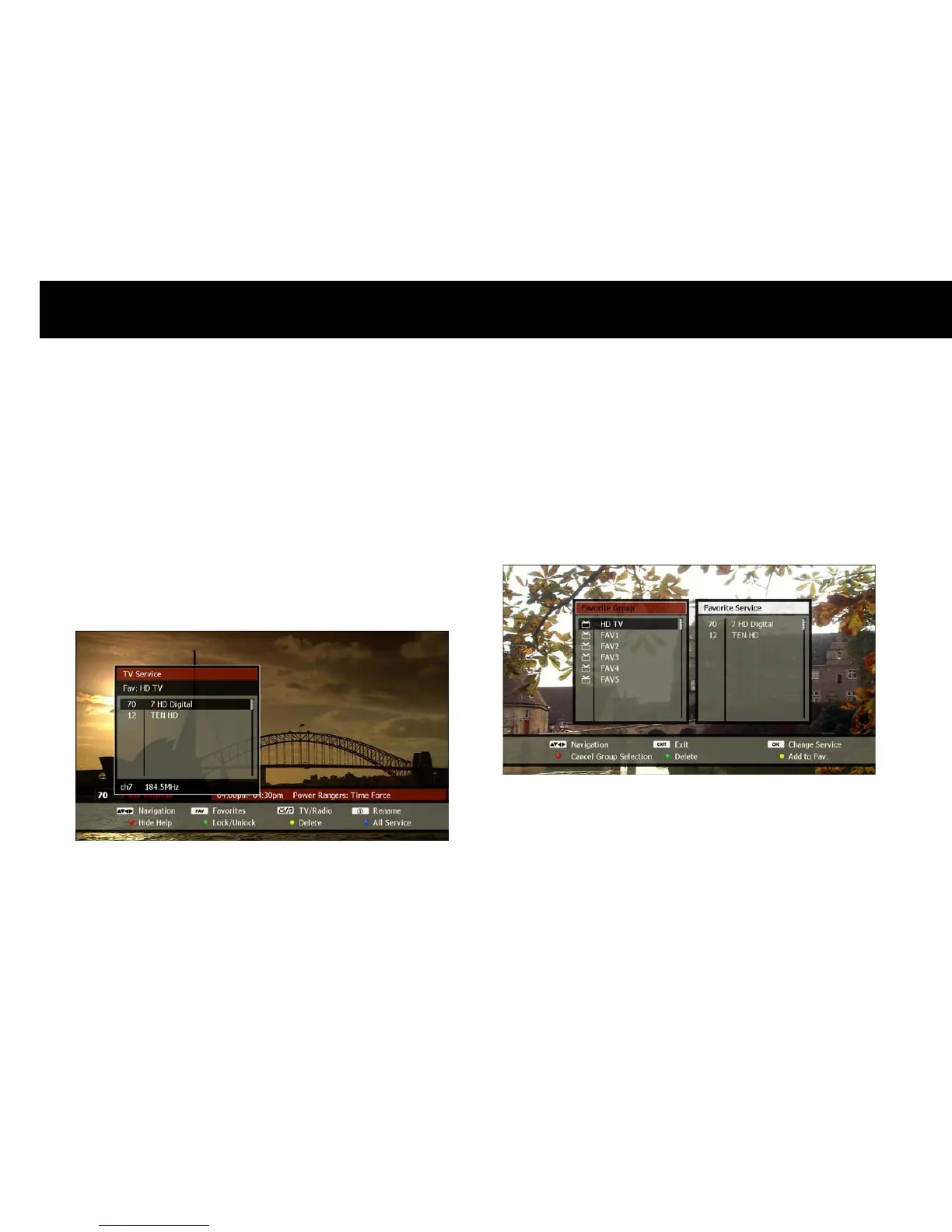
Select a service in a favorite group using step 2 above. You can now
change services within this favorite group in the following ways;
LIST
button: The service list will now only show the services which
belong to the current favorite group. Use the
UP/DOWN
and
OK
buttons as usual to change among these services on the list.
CH+/CH-
buttons: Pressing the
CH+
or
CH-
buttons will change to
the next or previous service as listed in the current favorite group.
To exit from a favorite group and show all services available in the
service list, press the
BLUE
button when the service list is displayed.
You can also exit from the favorite list by pressing the
RED
button when
the favorite list is displayed.
NOTE
When viewing a service, the information box indicates which favorite
group is currently selected



 To Next Page