File Playback
69
2) Bookmark
Bookmarks can be placed at any position in the video file. This enables
you to return to a chosen position easily.
If necessary, use trick-mode or skip/jump functions to move to your
desired position in the video file. To set a bookmark at this position,
press the
RED
button. To play from the bookmarked position, press
the
GREEN
button.
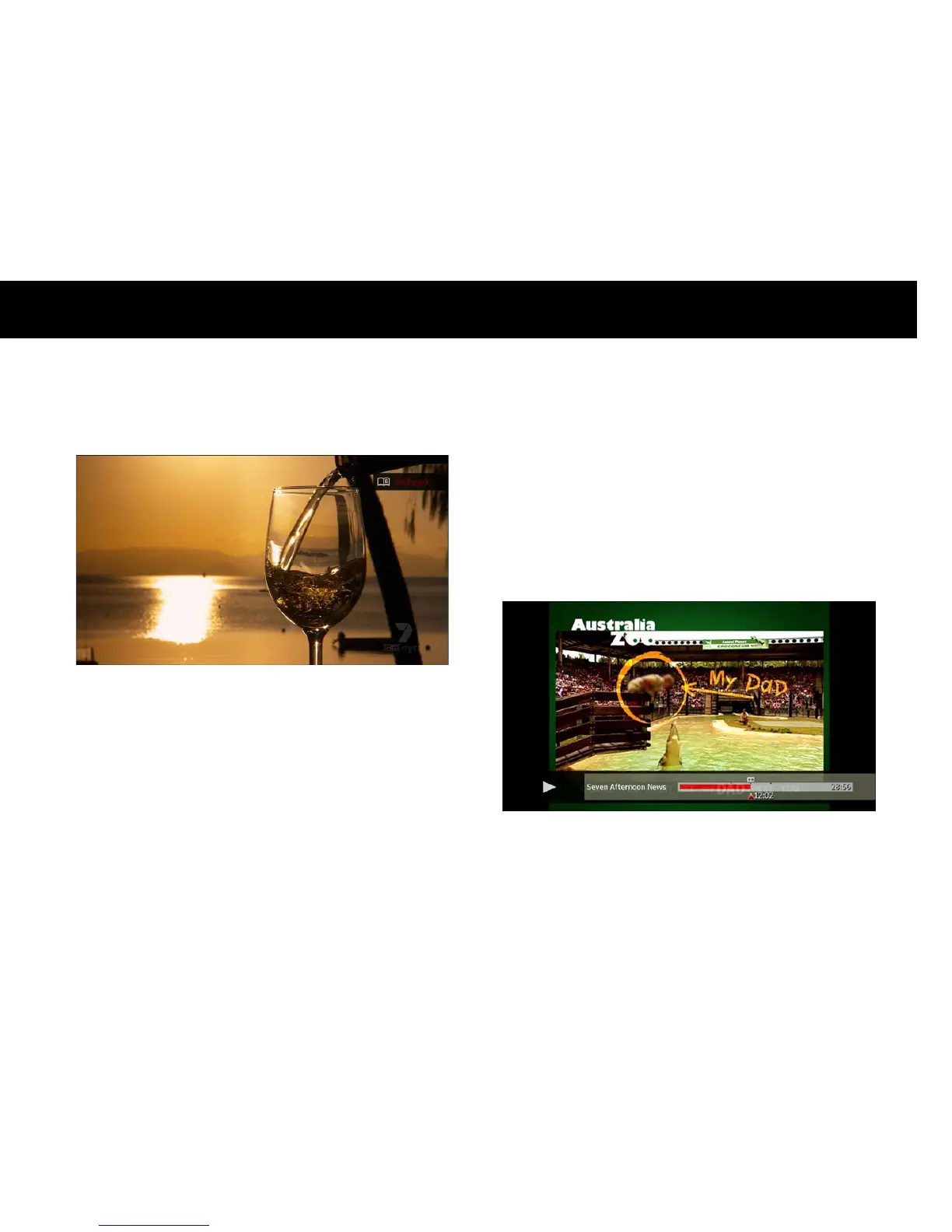
You can also set multiple bookmarks. Each press of the
RED
button
will create a bookmark at the current position. To see the location of
all bookmarks, open the progress bar by pressing the
OK
button. Each
bookmark position is indicated by a dot mark above the progress bar.
Each press of the
GREEN
button will make playback jump to the next
bookmark position. The progress bar shows which bookmark position
you are currently playing from, indicated by a ‘book’ icon above the
corresponding dot mark.



 To Next Page