File Playback
74
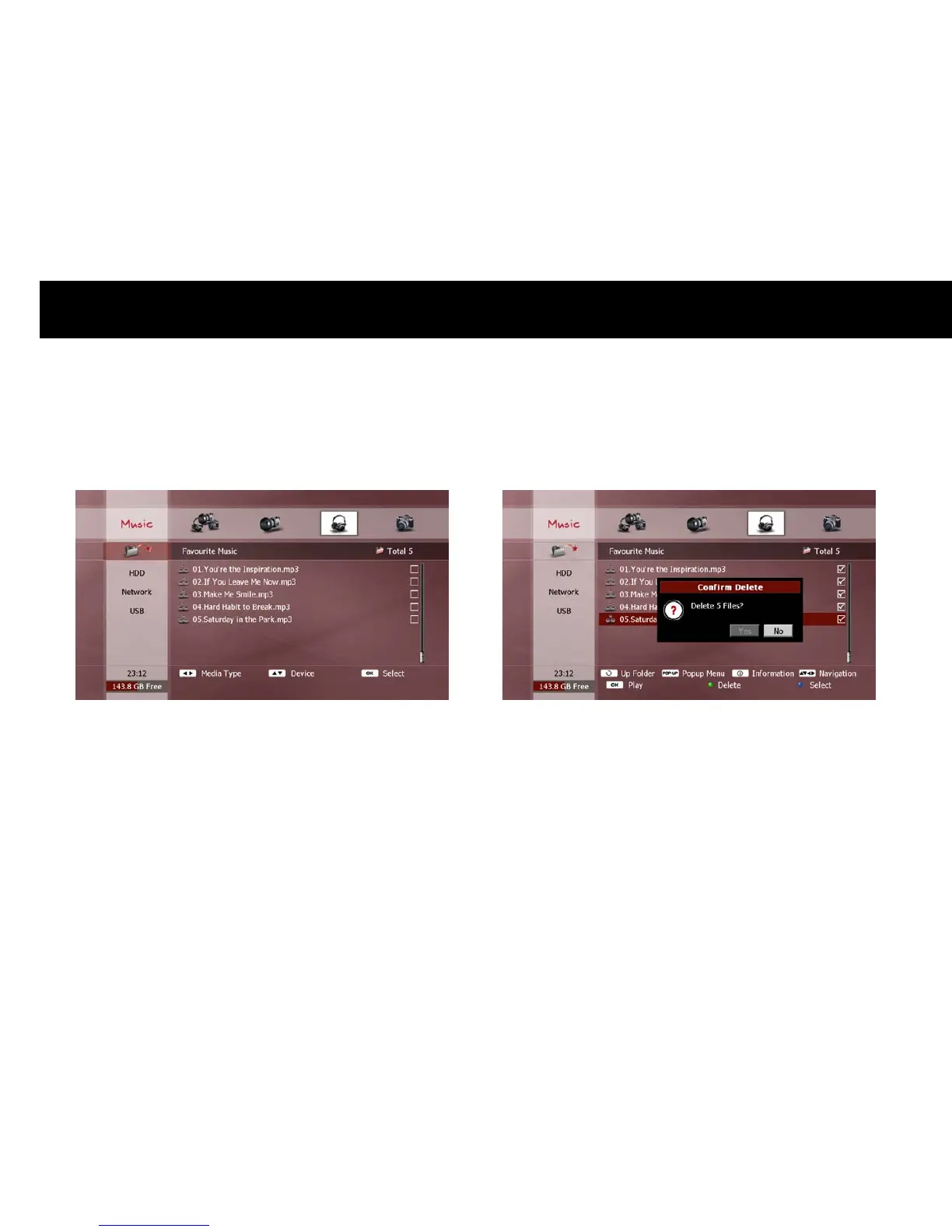
2) View Files in Playlist
To check the files in the playlist, select the ‘Playlist’ icon (above “HDD”
in the Device menu) and press the
OK
button. The File list will now
show all files currently in the playlist.
3) Play from playlist
To play the playlist, select your desired file(s) (see previous section
“Exploring Contents”) and press the
OK
button. Playback occurs in the
same manner as detailed in the corresponding “Playback” section earlier
in this chapter.
4) Remove File from Playlist
To remove a file from the playlist, select the unwanted file(s) (see
previous section “Exploring Contents”) and press the
GREEN
button.
The selected file(s) are now removed from the playlist.



 To Next Page