December 2019
87
Installation, Operation and Maintenance Manual
VCIOM-08500-EN
Section 10: View Routines
View Routines
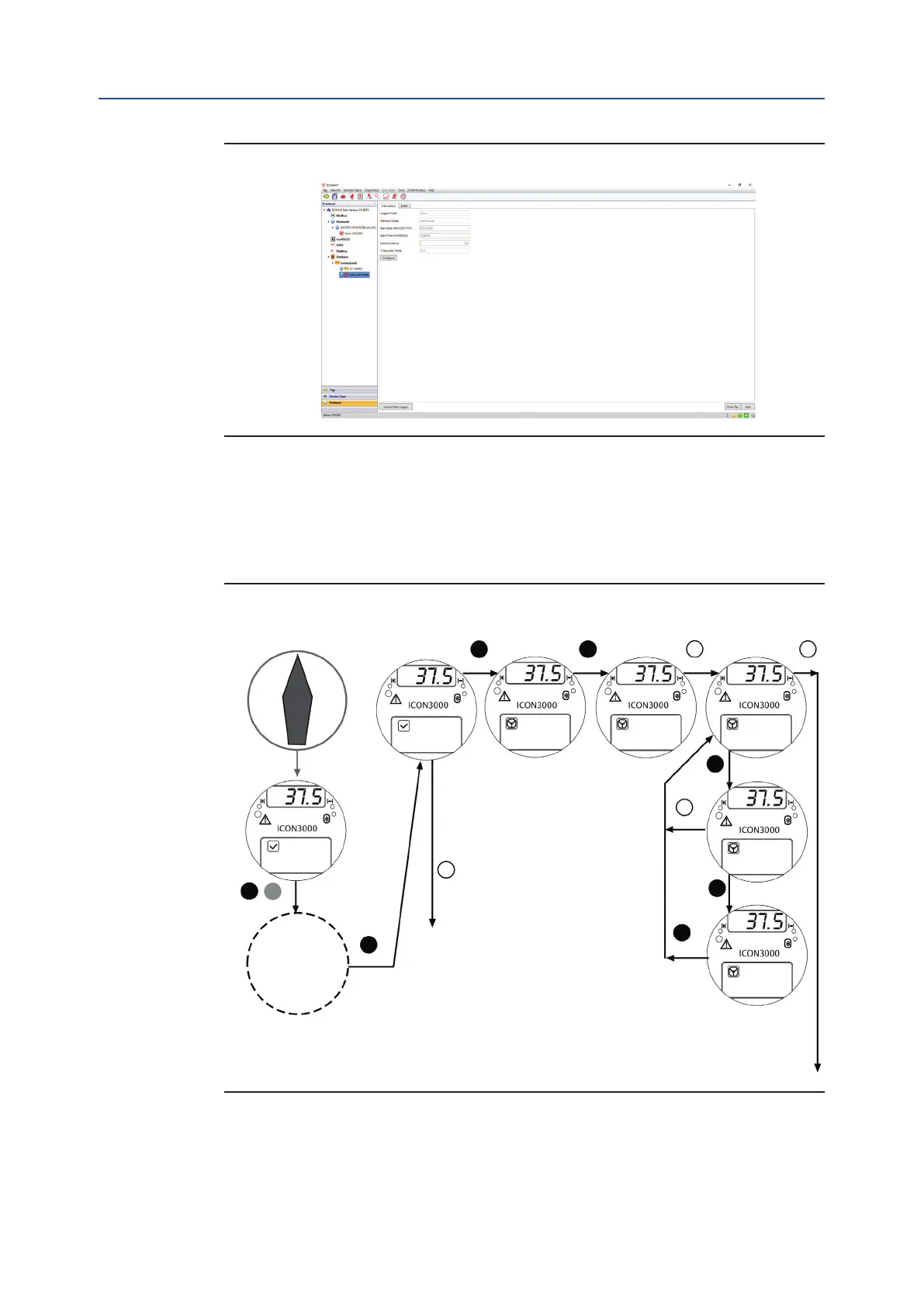
Figure 70 Event Mode
10.5 Example of View Routine
10.5.1 View Torque Set-up
Figure 71
To exit from VIEW menu, press YES and NO simultaneously or move the 3-position
selector to LOCAL or REMOTE.
CLOSING TORQUE
55% NEXT?
TORQUE SETUP
VIEW?
STROKE LIMIT
VIEW?
VIEW?
ACTUATOR SETUP
ACTUATOR SETUP ACTUATOR SETUP
ACTUATOR SETUP
ACTUATOR SETUP
VIEW MODE
OK?
YES YES
YES
YES
YES
NO
NO
NO
YES
TO NEXT ROUTINE
TO SETUP MENU
SELECT
LANGUAGE
XXXXXX OFF
STOP NEXT?
Display
LOCAL
REMOTE
STOPYES
OFF
3-position
selector



 To Next Page