VD (E2.1) 10/2011 page 45/83
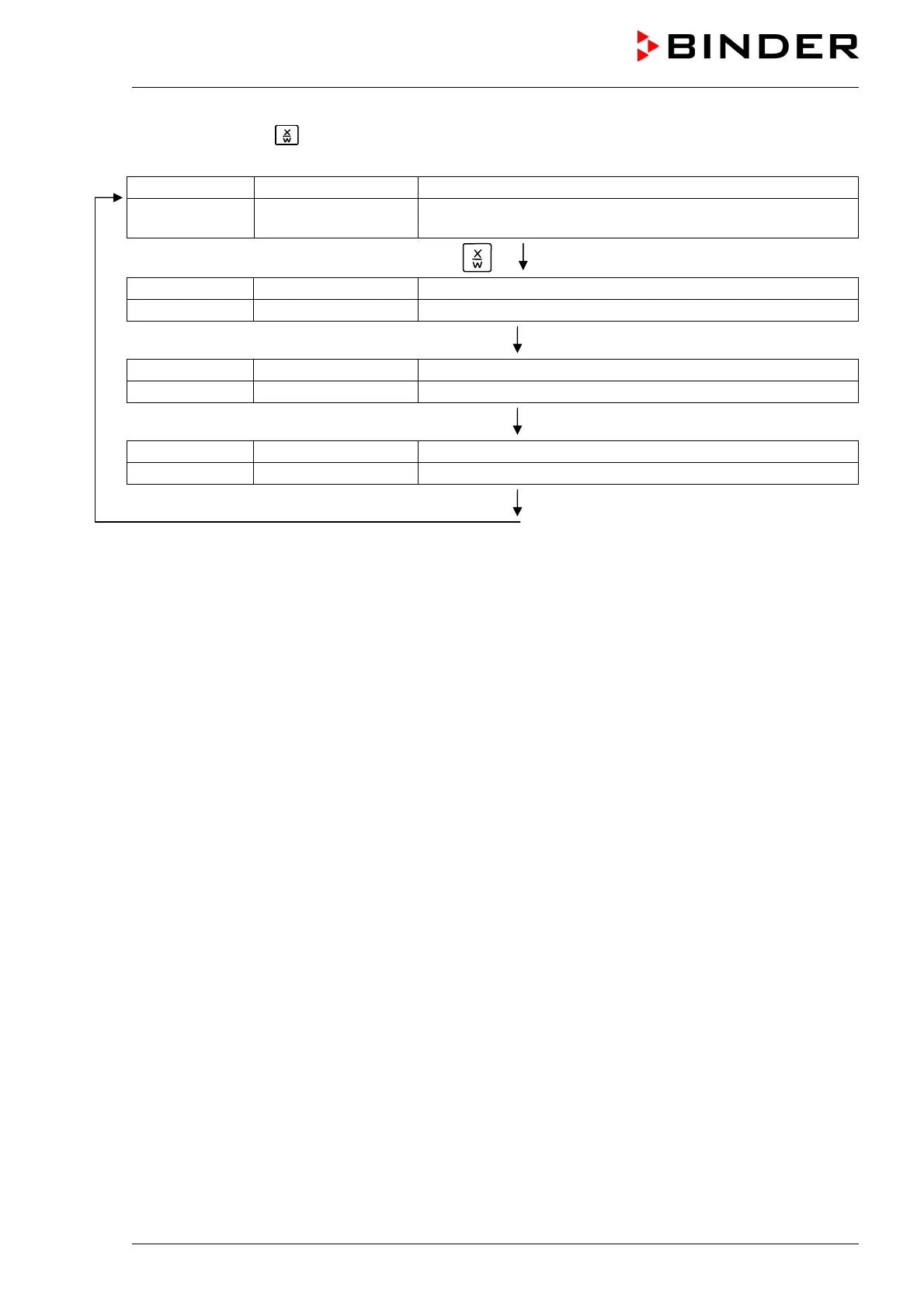
If you press button during program course, the entered set-point of the actually running program
section is shown for 5 sec:
Display 1 shows e.g. 65.5
C
(actual temperature value)
Display 2 shows
P01:S03 00:47:12
(actual program P01, actual section S03, and remaining time
of program section S03)
Press key
Display 1 shows e.g. 90
C
(actual temperature set-point 1)
Display 2 shows SP1 TEMPERATURE
5 seconds
Display 1 shows e.g. 30
C
(actual temperature set-point 2)
Display 2 shows SP2 TEMPERATURE (no function during program operation)
5 seconds
Display 1 shows e.g. 000 (actual operation line setting)
Display 2 shows OPERATION LINE
After program rundown (and, if appropriate, of the program repeats) the controller returns to fixed value
operation showing Normal Display and equilibrates to the temperature value previously entered in fixed
value entry mode.



 To Next Page