KBF / KBF-UL + KMF (E6) 09/2021 page 110/160
16.1.3 Show and hide specific indications
Show indications
Hide indications
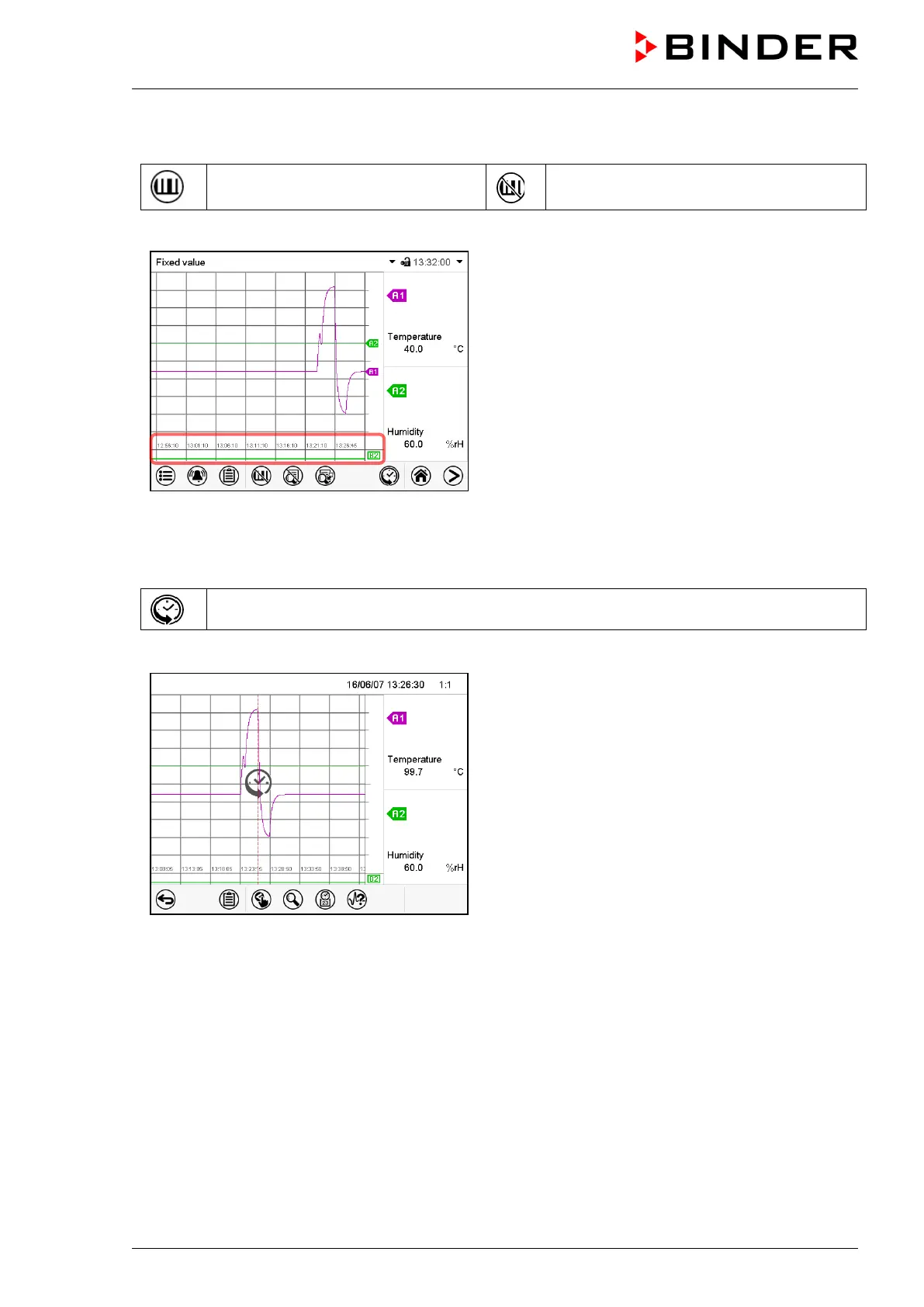
Press the Show indications icon to display the indication “Door open” (B2).
Indication “Door open” displayed.
16.1.4 History display
History display
Press the History display icon to change to the history display.
History display.
The chart recorder is paused. Data recording
continues in the background.
Move the central red line by tapping and holding to
the desired position.
The legend at the right side shows the values of the
current line position.
Then further icons appear:



 To Next Page