KBF / KBF-UL + KMF (E6) 09/2021 page 63/160
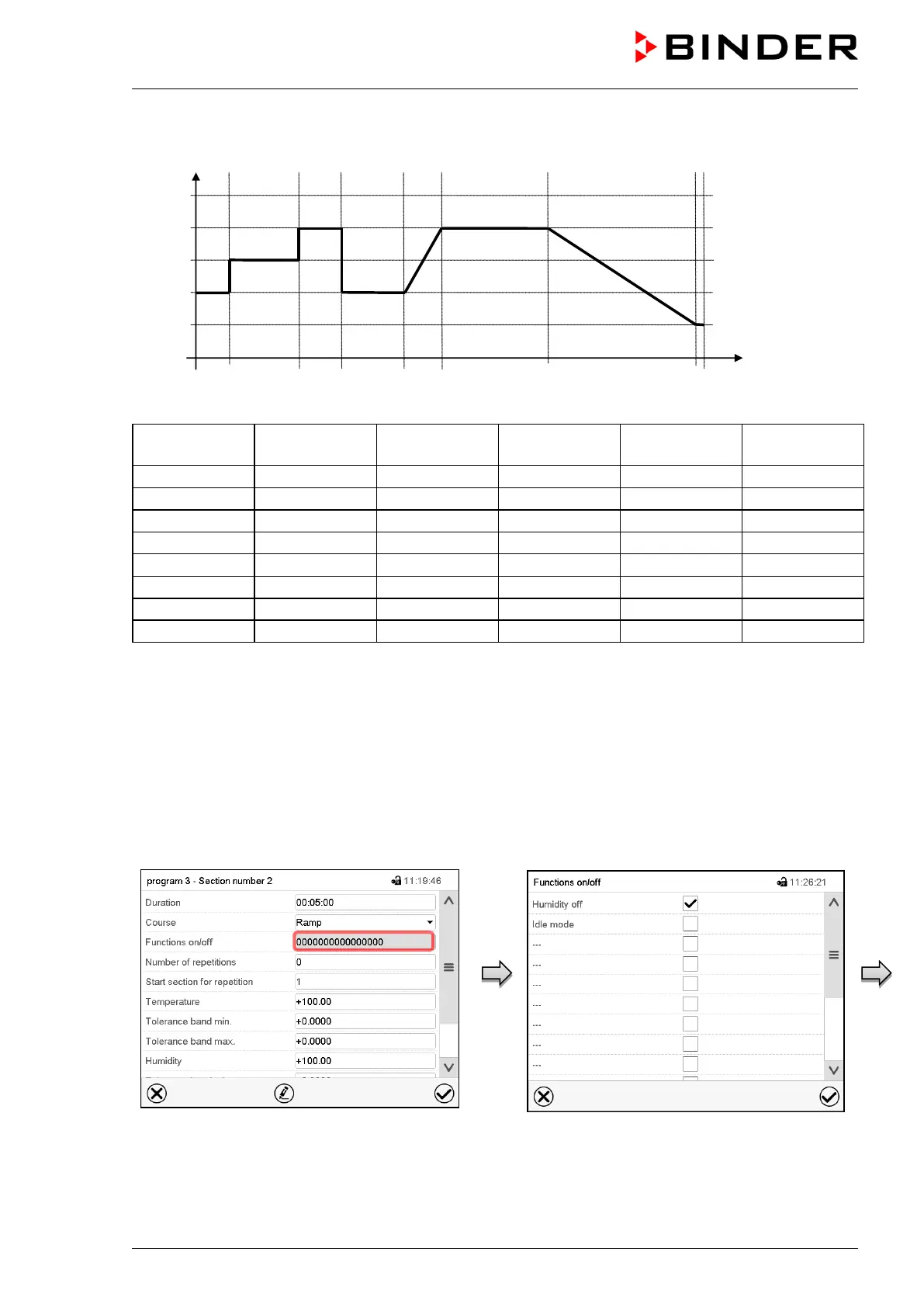
“Ramp” and “Step” mode example (representation of a temperature course)
Corresponding program table
Section No.
Ramp or Step
9.7.3 Special controller functions via operation lines
You can define the switching state of up to 16 operation lines (control contacts). They are used to activate
/ deactivate special controller functions.
• Operation line “Humidity off” serves to turn off the humidity.
• Operation line Idle mode” activates / deactivates the operating mode “Idle mode”.
The other operation lines are without function.
Use the “Functions on/off” settings to configure the operation lines.
Section view.
Select the field “Functions on/off”.
“Functions on/off” entry menu.
Mark / unmark the checkbox of the desired
function to activate / deactivate it and press the
Confirm icon.
The controller returns to the section view.



 To Next Page