VD (E2.1) 07/2017 page 28/96
7.2 Programming example of the Week program editor
7.2.1 Desired time function
During the day (12 hours) the oven shall maintain a temperature of +80 °C / 176°F, and during the night
(12 hours) it shall cool down / stop heating (set-point 30 °C / 86°F).
This program shall automatically run during the whole year, i.e. it shall be programmed just once.
7.2.2 Proceeding overview
1. Settings in the user level (see chap. 10)
• Activating the week program timer
• Checking and, if necessary, setting the real time clock
2. Enter the set-points for the week program in “Fixed value entry mode” (see chap. 6)
Set-points for the example program:
SP1 (night / weekend) = 30 °C (Channel 1 ON = Controller adjusts to set-point SP2)
SP2 (day / week) = 80 °C (Channel 1 OFF = Controller adjusts to set-point SP1)
3. Enter the time program to the program editor
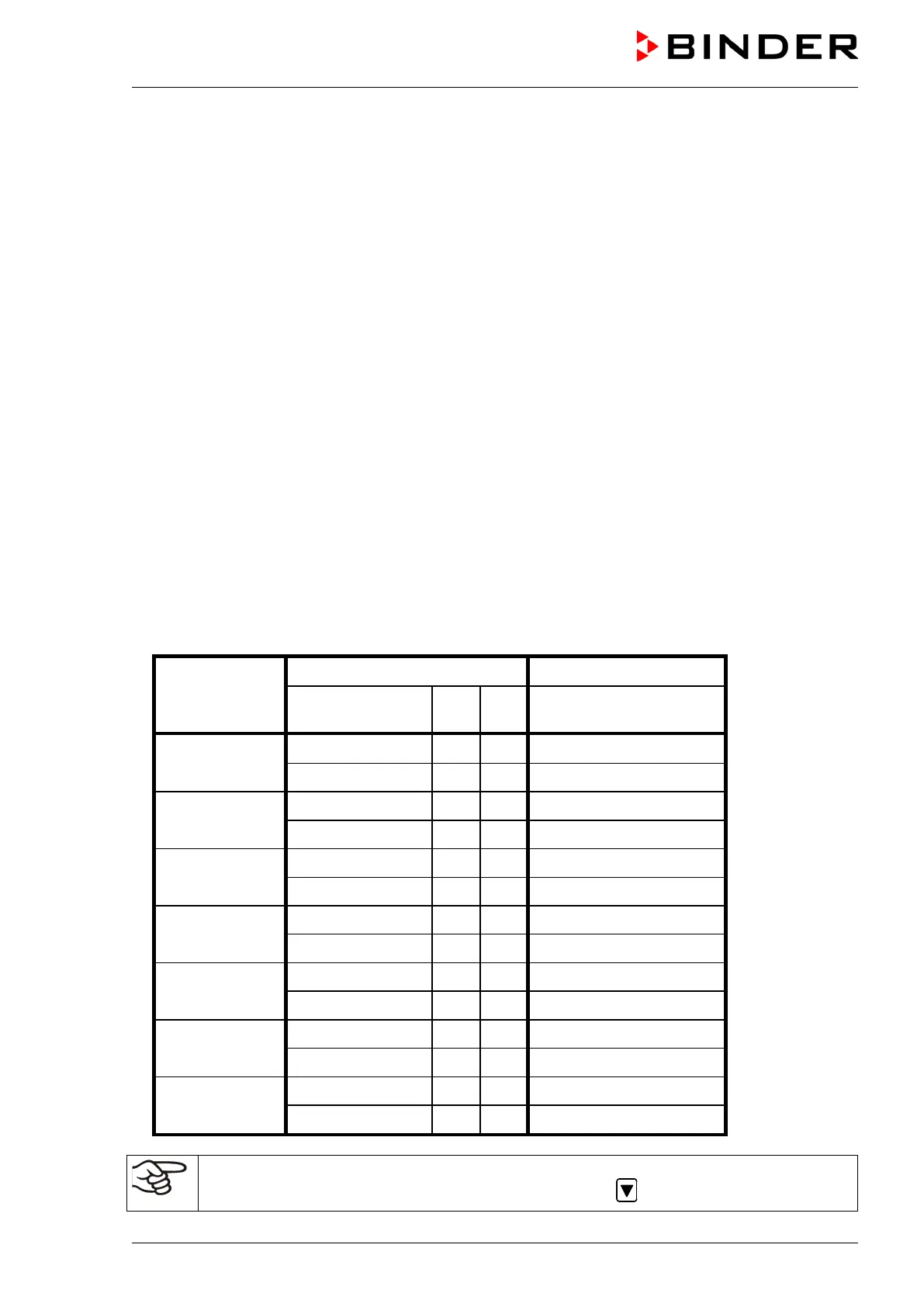
Program table for the example program:
hh:mm AM PM ON = SP2 (day)
OFF = SP1 (night)
Monday S1 06:00 ON
S2 18:00 OFF
Tuesday S1 06:00 ON
S2 18:00 OFF
Wednesday S1 06:00 ON
S2 18:00 OFF
Thursday S1 06:00 ON
S2 18:00 OFF
Friday S1 06:00 ON
S2 18:00 OFF
Saturday S1 06:00 ON
S2 18:00 OFF
Sunday S1 06:00 ON
S2 18:00 OFF
Make sure that no other shift points have been pre-programmed. If so, they must be deleted:
Set the time of the respective shift point to “ --:-- ” using key .



 To Next Page