VD (E2.1) 07/2017 page 41/96
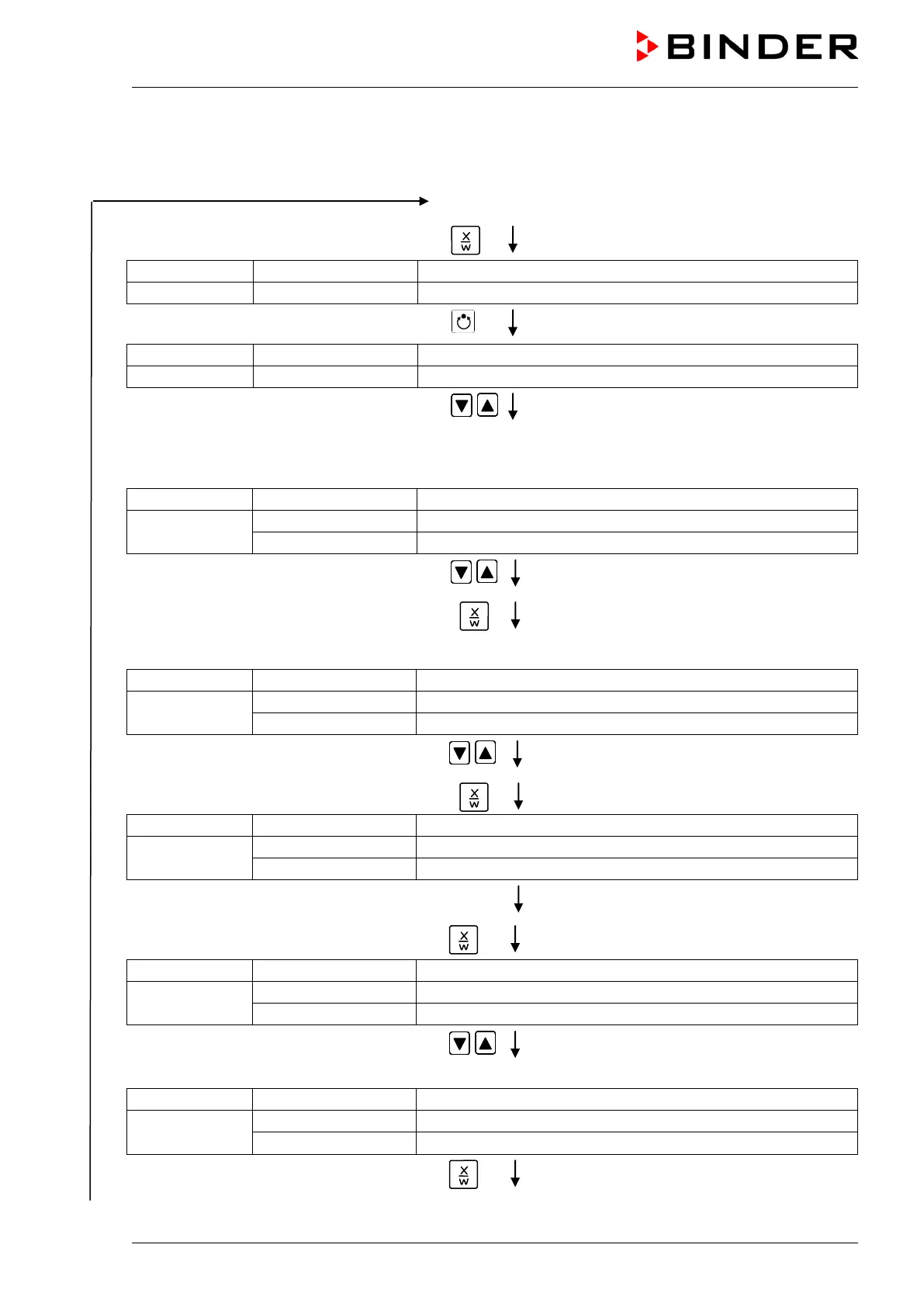
8.4 Deleting a program section
A program section is deleted from the program by setting the section duration to Zero.
Normal display
Press down key
for 5 sec.
(you are in the program editor)
Press program key
Enter the user code using arrow keys
e.g. 0001 (basic setting, adjustable in the user
level, chap. 10).
Value is shown in both displays.
Automatically forward after 2 sec
Display 2 shows
(program can be selected)
(information: to 1
st
program section with X/W)
Select the desired program, e.g. P01, using
arrow keys
Value is shown in display1.
Press key
In the selected program P01 or P02, program sections can be selected:
(actual selection of the section: S01)
alternating
(program section can be selected)
(information: set-point entry with X/W)
Select desired section, e.g. S03, using
arrow keys
(omitted if section S01 shall be deleted).
Press key
(actual temperature set-point)
Display 2 shows
(information: continue with X/W)
No entry
Press key
alternating
(variable: section length)
(information: continue with X/W)
Enter set-point Zero
hh:mm of S03 using arrow keys
Value is shown in display 2 or in both displays
(display depends on maximum time setting in
the user level chap. 10)
alternating
(variable: section length)
(information: delete section with X/W)
Press key



 To Next Page