V 1.31
2021. 05 27 / 171 Doc. # : BN-OP-C7
▣LED
A light indicator lets you know that the battery is on and shows your
current battery charging status. A red-light indicator lets you know
that the battery is charging, and a green light indicator lets you
know the batter is fully charged.
Green light indicates connection with an AC adapter.
Use when navigating or selecting menu items
(Same functionalities can be achieved by touching menu
items on the screen).
Power
▣AC Power
When AC Power is connected to the device, power LED light will be green; if the battery
is installed, charging will commence.
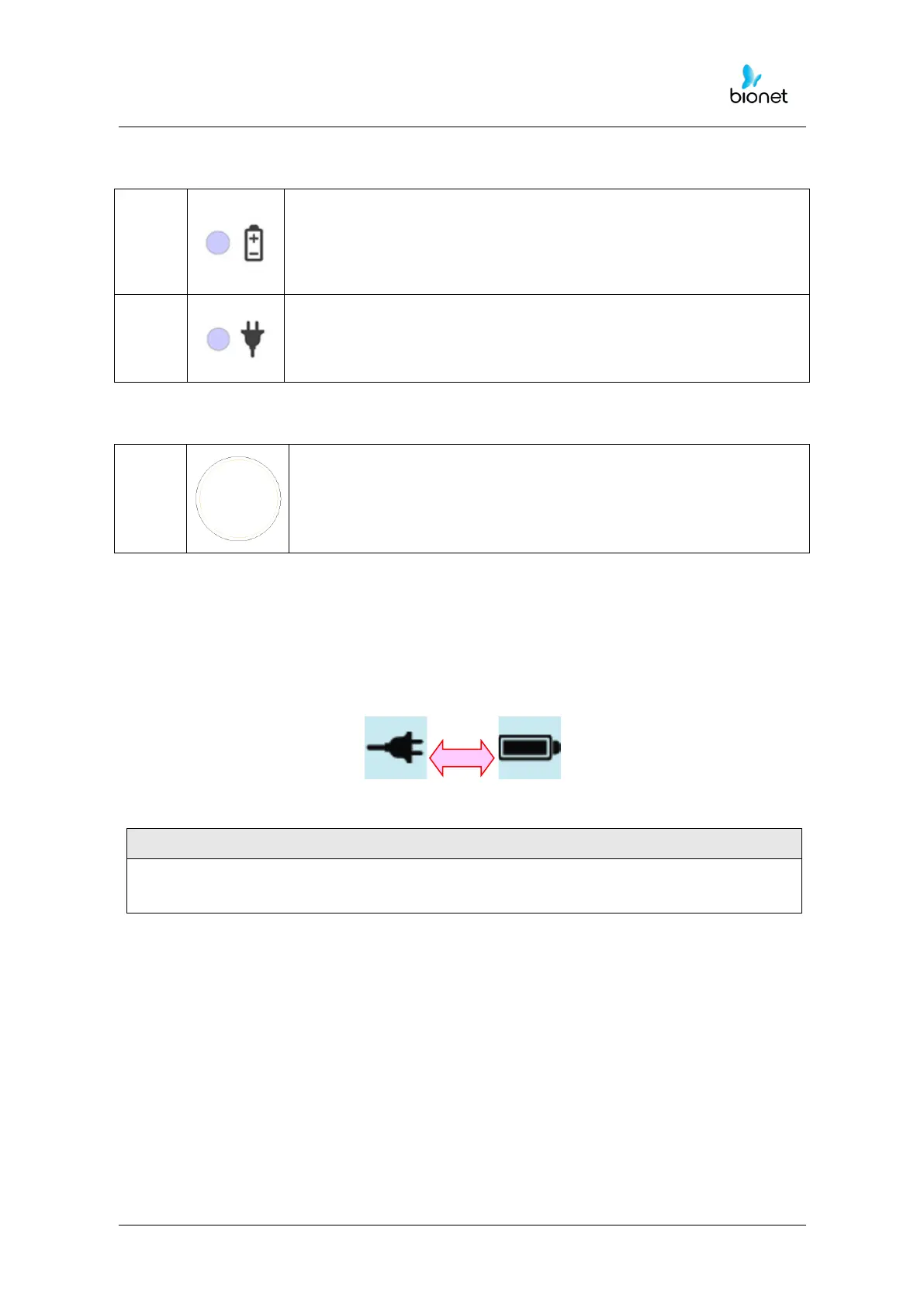
<AC Power><Battery Power>
This equipment must be connected to a power supply with a protective earth.
▣Battery Power
The device will get its power from the battery and the unit will display the battery power
icon (shown above), when the system is powered on, the battery is connected to the
device and the AC power is disconnected. When the battery power is low, an alarm
sound will ring from the device speaker and LCD display will show a “Battery Low” message.
Connect the AC power immediately or the device will automatically shut down in 1minute.
• Time to complete full recharge after full discharge: Max. 3 hours while the power is
turned off
• Duration of continuous usage after full recharge: if running ECG record in 12 channel
format by choosing to set successive function for about 360 min. at 25mm/s and
10mm/mV or in the absence of ECG record, it is possible to record a max. of 200
ECG.



 To Next Page