V 1.31
2021. 05 36 / 171 Doc. # : BN-OP-C7
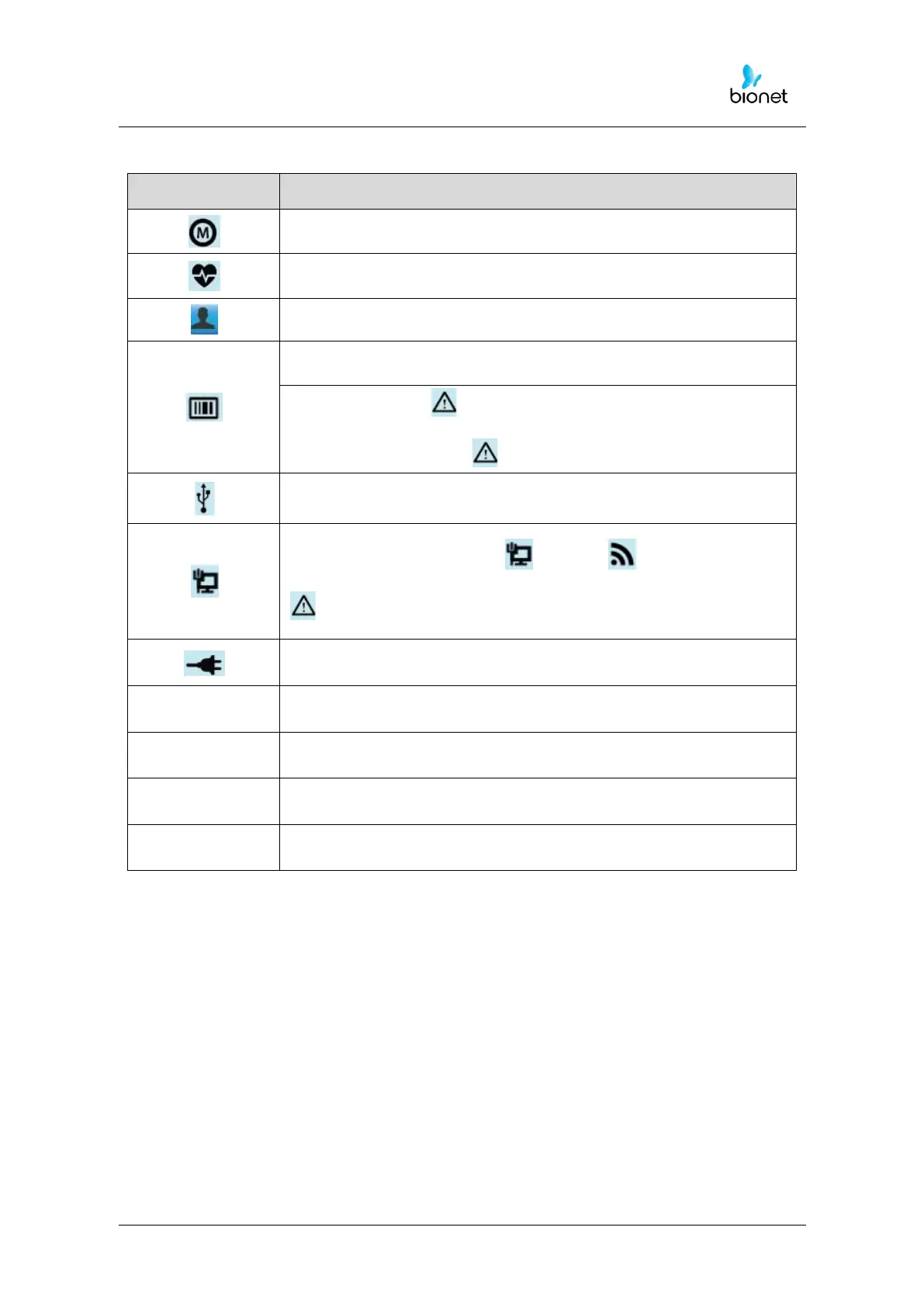
Recording mode (marked as 10 s, 1 m, 3 m, 5 m and 10 m unit)
To Input or check the patient’s information
Barcode reader or USB Keyboard connection mark
Replaced by the icon when a network error occurs during
transfer to the PACS server. You can move to the Study Queue
screen by touching the icon.
USB memory connection mark
Network status mark (wired: , wireless : ).
Move to the Network Setup screen by touching the icon.
: The error icon will appear in the event of an IP conflict
Display battery status or AC power connection status
To set up the size of the ECG waveform
To set up the speed for printing out the ECG waveform
To set up the various contents related to the equipment
To skip to main page of ECG File management, ECG worklist
management and Spirometer



 To Next Page