V 1.31
2021. 05 37 / 171 Doc. # : BN-OP-C7
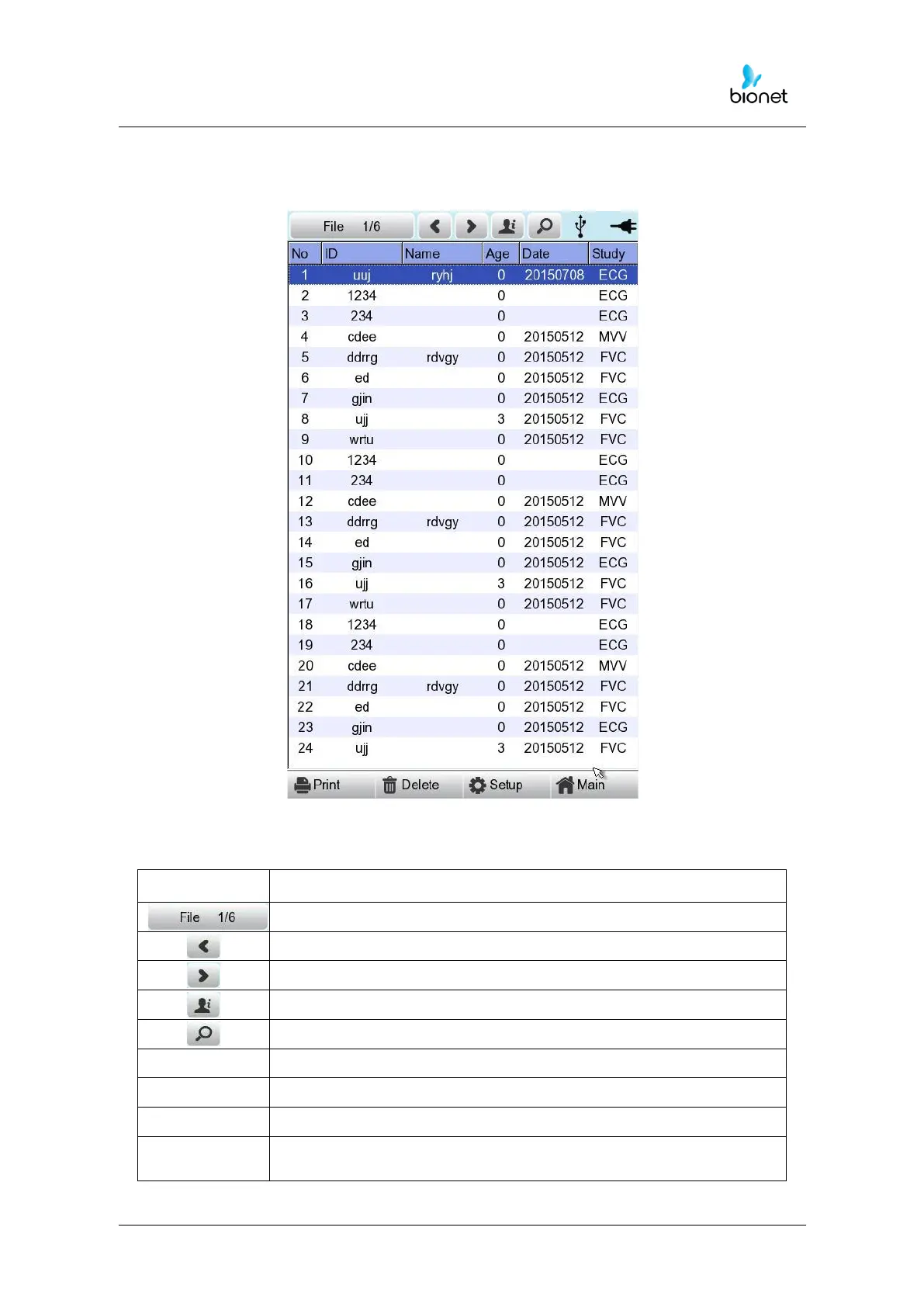
The following is the main page of ECG file management, shown when selecting
the ‘File’ menu.
If you remember the information shown below, it will be easier for you to use the main
page of ECG file management.
To check the patient’s information
To search the data by inputting what you want to find
To print out the chosen data
To delete the chosen or all data
To set up the various contents related to the equipment
To skip to main page of ECG, ECG worklist management and
Spirometer



 To Next Page