V 1.31
2021. 05 76 / 171 Doc. # : BN-OP-C7
Language
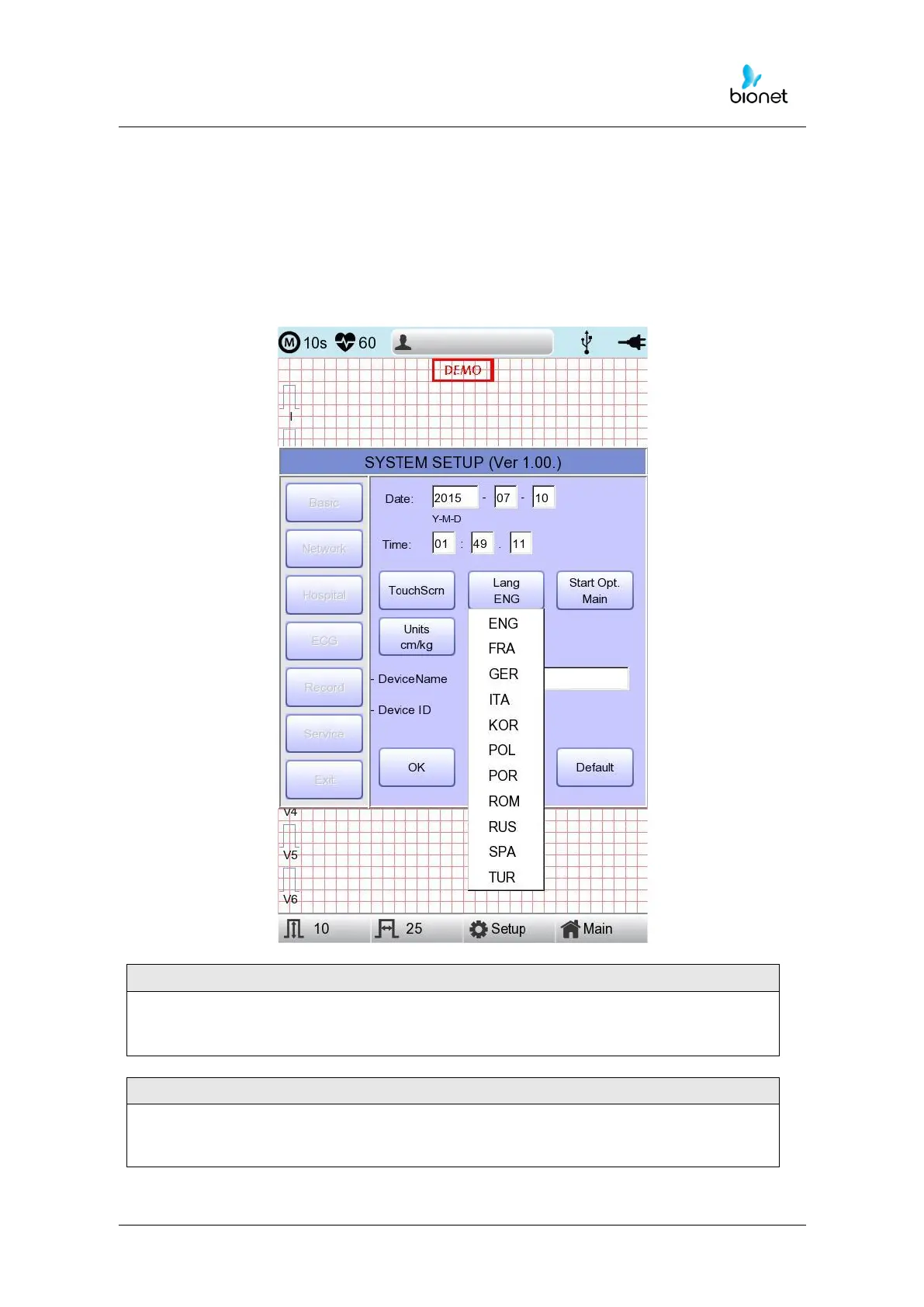
As shown below, when selecting 'Language menu at the Basic Setup page, you can
choose the language among
English, French, German, Italian, Korean, Polish, Portuguese, Rumanian, Russian, Spanish
and Turkish.
Select the language you want to use and click the OK button and then you can use the
service in the chosen language.
If language preference is set as “KOR,” only the menu on the LCD screen will be
shown as Korean, whereas the output will be in English when printing out.



 To Next Page