V 1.31
2021. 05 91 / 171 Doc. # : BN-OP-C7
WEB Setting
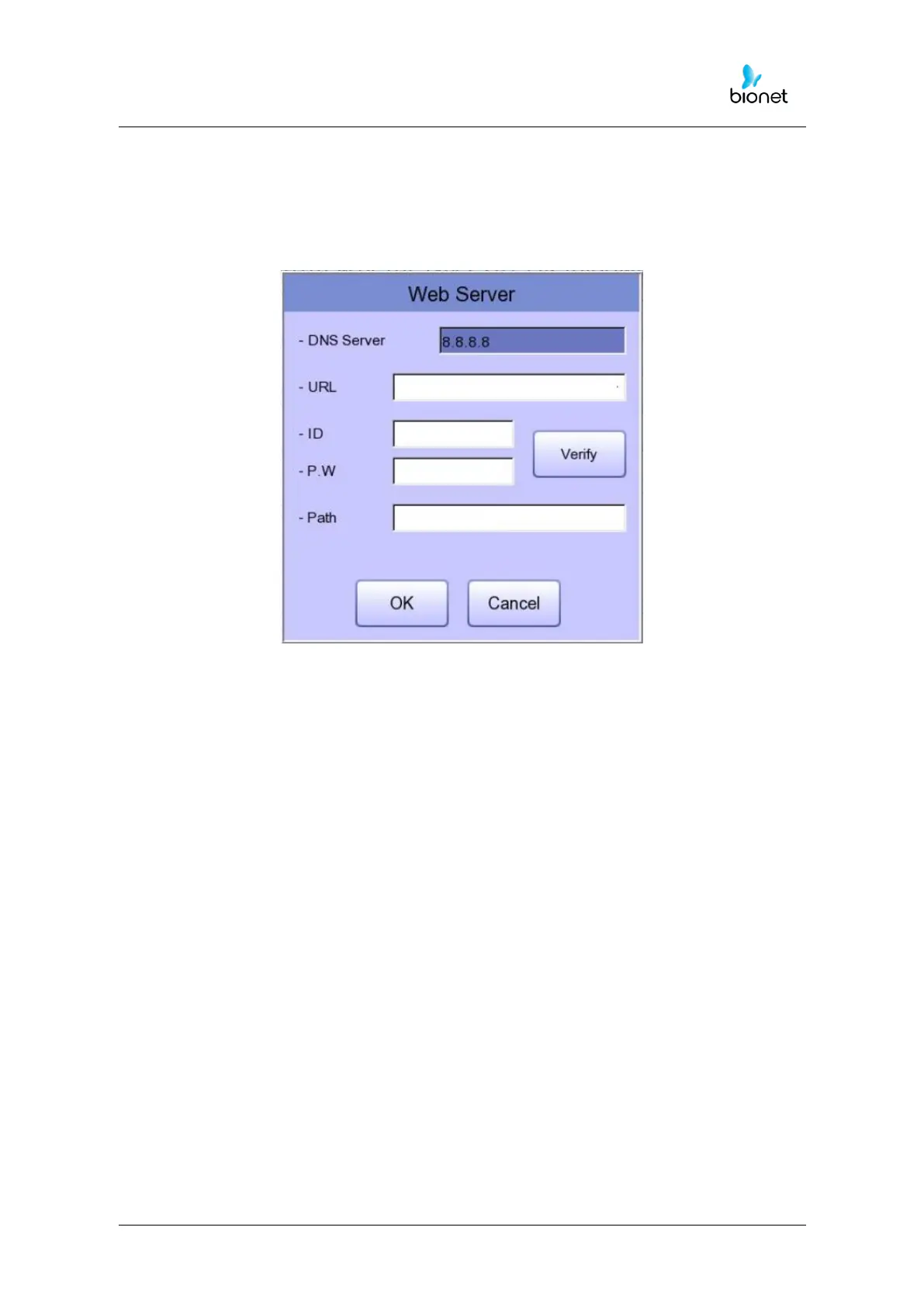
When selecting Web transmission, additional information must be set through the Setting
menu.
The screen for related settings such as DNS Server, URL, ID, PW, Path appears.
DNS Server
The IP of the server that supports the domain name system.
URL
Web address to access.
ID
User ID to be used in the web to be accessed.
PW
User password to use on the web to be accessed.
Path
Path within the server to which to send the file



 To Next Page