V 1.31
2021. 05 92 / 171 Doc. # : BN-OP-C7
If you select the input window of each item, a keyboard window appears, and you can
enter the content.
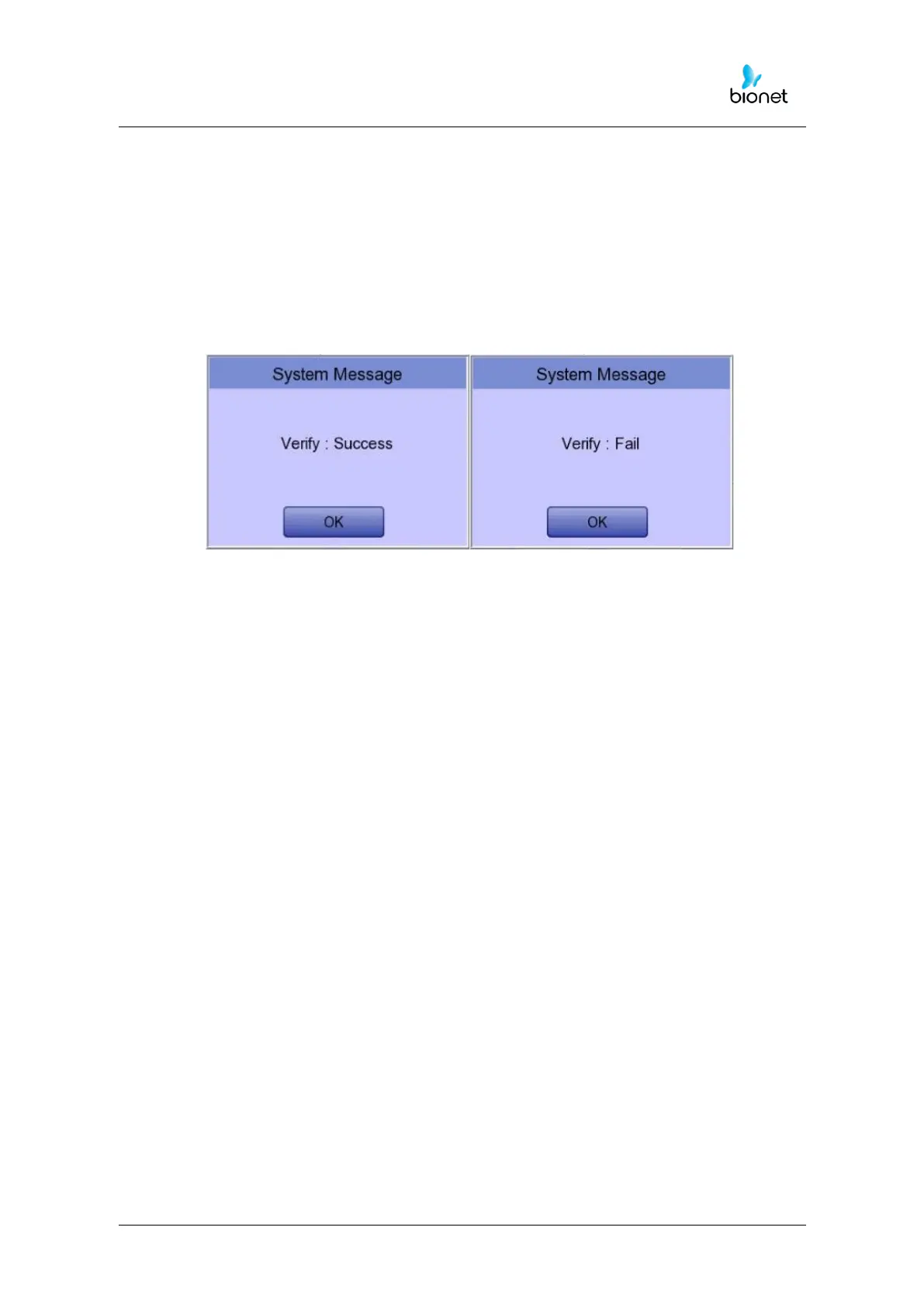
After entering, you can check the connection between Worklist Server and Store Server by
pressing the “Verify” button.
The message “Verify: Success” is displayed on success, and the message “Verify: Fail” on
failure.



 To Next Page