V 1.31
2021. 05 96 / 171 Doc. # : BN-OP-C7
9) When connection with the AP is successful, set the Device IP, Subnet Mask,
Gateway, etc. by selecting manually or Configuring with DHCP.
Refer to the Network Setup part of the User Manual for more details.
It is recommended to use English for the name of the AP wireless network (SSID). If it is
entered in Korean or other languages, Mojibake or illegible characters can appear.
⚫ It is recommended connecting up to eight the same network under normal AP
status.
⚫ Due to the nature of wireless, connectivity may be poor depending on the
environment.
Hospital Setup
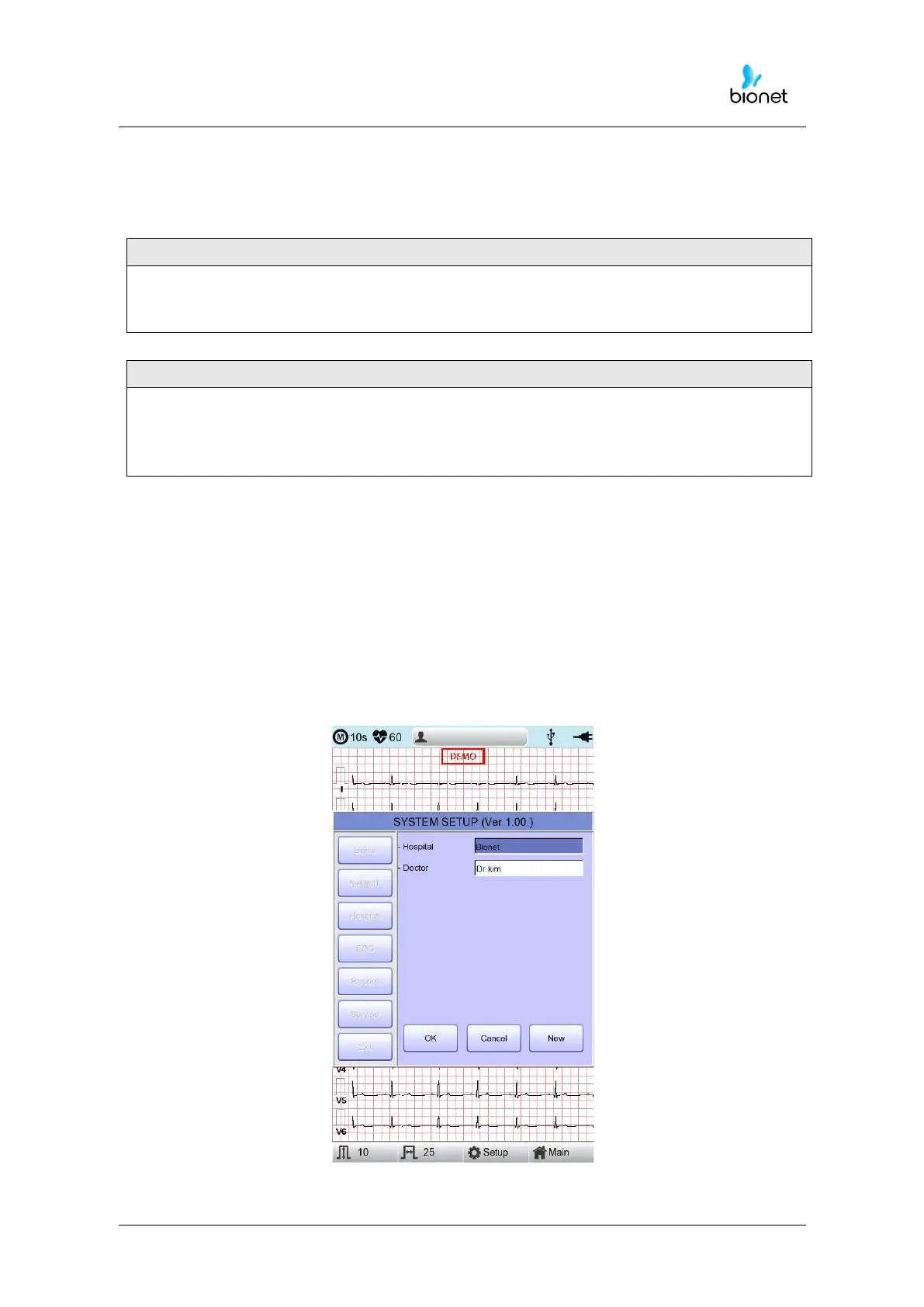
When selecting the ‘Hospital’ menu at the left side of the Setup page, Hospital Setup
page will show up at the right side.
You can input the names of the hospital and doctor.
When clicking the area to input the information, the keypad will show up. Then you can
input the information required and press OK button to save or ESC to cancel the
information.



 To Next Page