V 1.31
2021. 05 95 / 171 Doc. # : BN-OP-C7
5) After clicking the Key Value input line by using the rotary key or touching, enter the
security key.
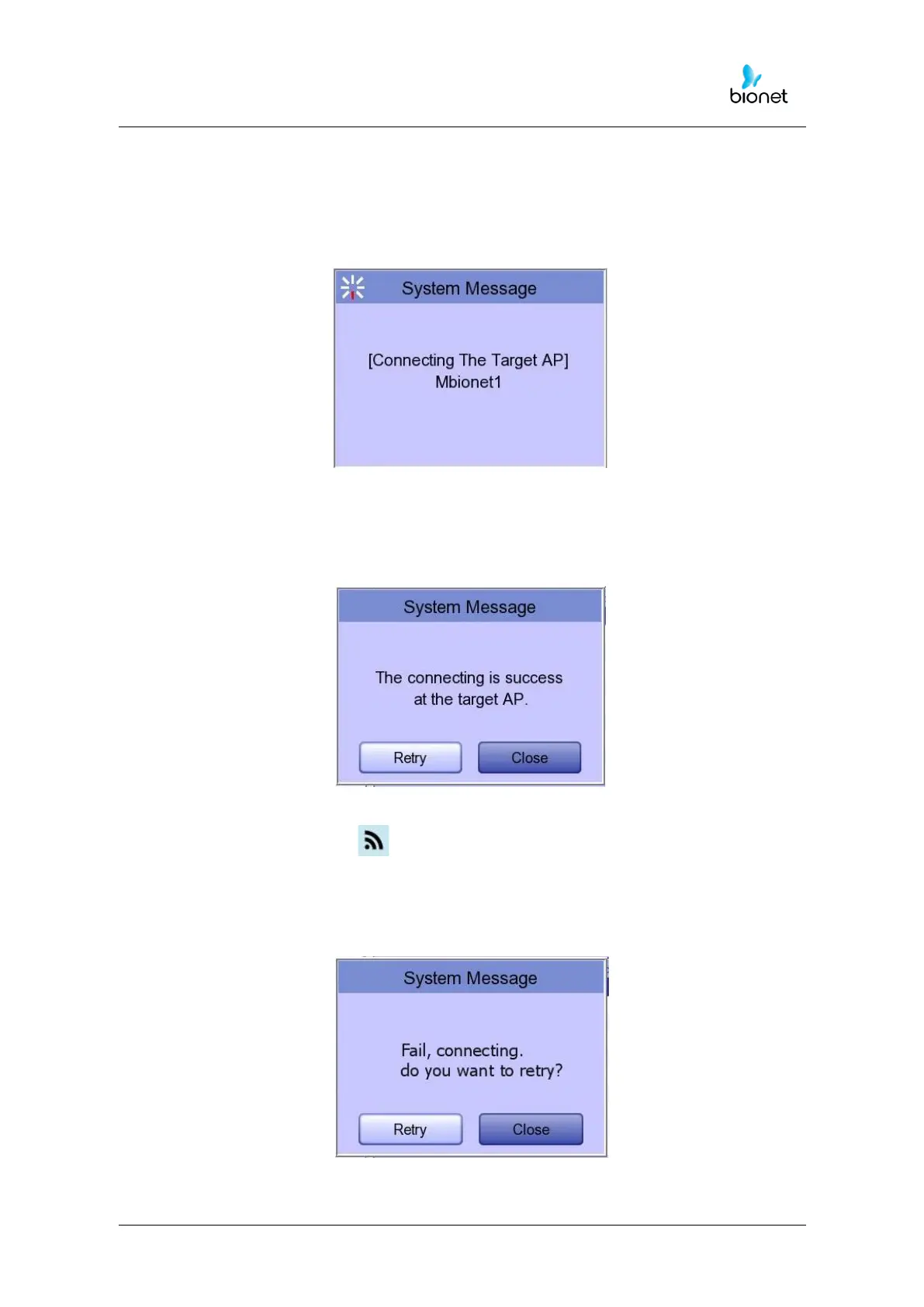
6) Upon the completion of input, click the "OK" button; Connection will be attempted
and the message describing the connection status will appear.
7) When the message reporting a proper connection appears, click the "Close"
button.
When connection is successful, the wireless icon on the status bar at the bottom of the
screen will be changed into .
8) If connection fails, connection can be re-attempted by pressing the "Retry" button.
If connection keeps failing, check the AP and the USB-TO-WLAN status.
.



 To Next Page