Chapter 2 BIOS Setup
2-5
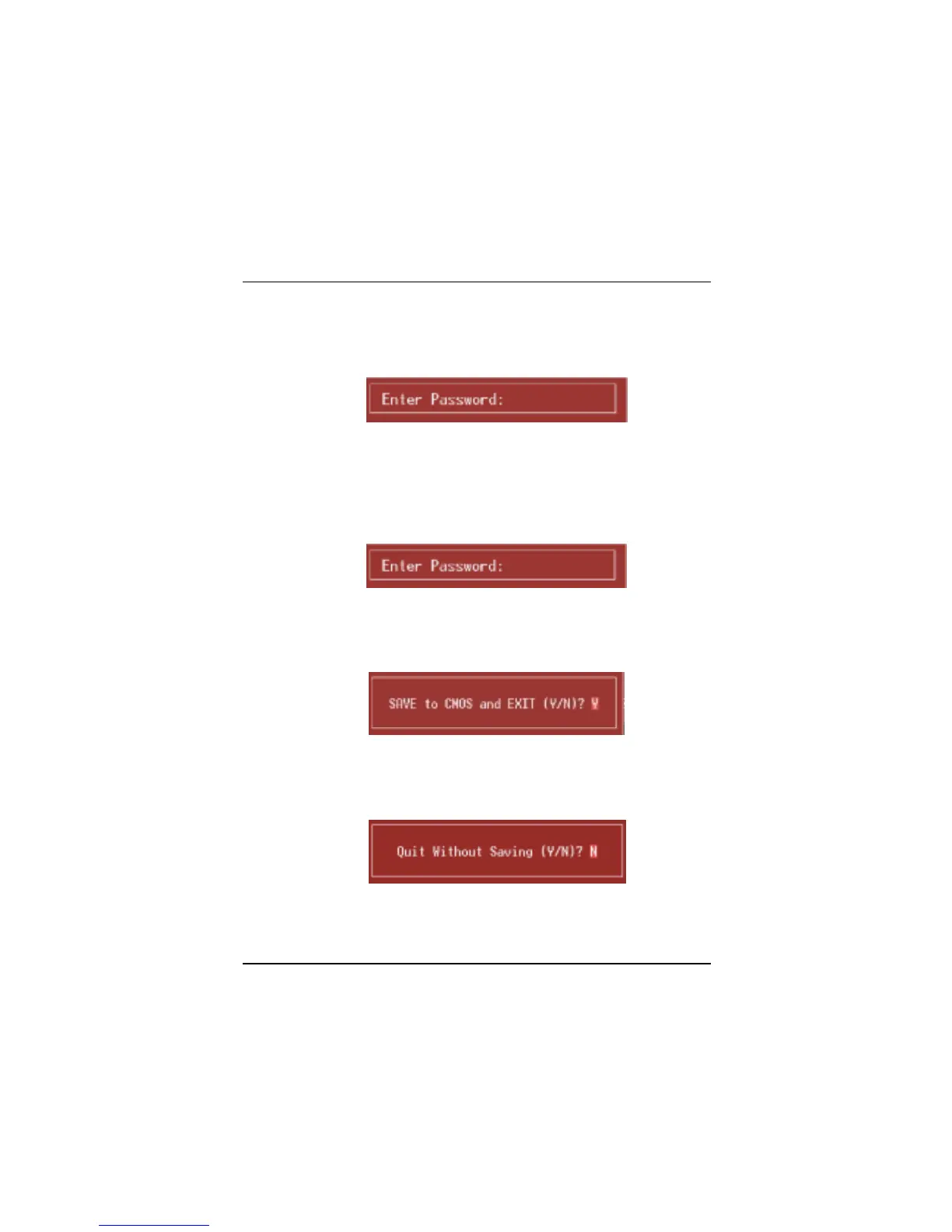
Set Supervisor Password
Setting the supervisor password will prohibit everyone except the supervisor from
making changes using the CMOS Setup Utility. You will be prompted with to
enter a password.
Set User Password
If the Supervisor Password is not set, then the User Password will function in the
same way as the Supervisor Password. If the Supervisor Password is set and
the User Password is set, the “User” will only be able to view configurations but
will not be able to change them.
Save & Exit Setup
Save all configuration changes to CMOS(memory) and exit setup.
confirmation message will be displayed before proceeding.
Exit Without Saving
Abandon all changes made during the current session and exit setup.
confirmation message will be displayed before proceeding.



 To Next Page