Chapter 3 Trouble Shooting
3-32
3.3.13 Event Log
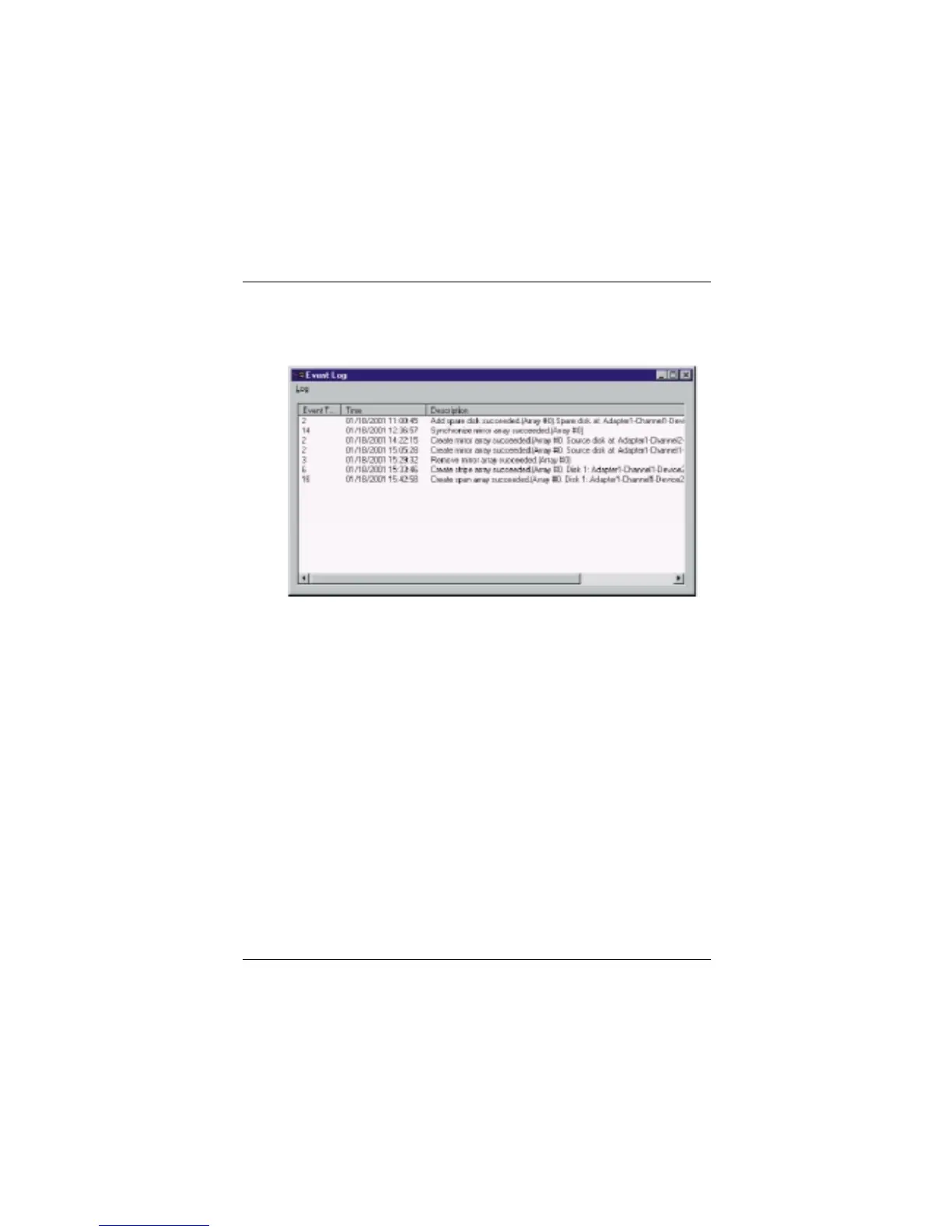
Event Log window will be opened by clicking View Log icon on the tool bar.
Event log window lists all the historical operation information including event,
time & description, thereby providing reference for solving the problems in the
operation of RAID Administrator.
Event log menu provides users with functions as follows:
Set Log File: Set the log file for recording the events .
Clear Log
: Clear all the current records in the file.
Print Log: Print the log.
Exit: shut the event log window.



 To Next Page