Chapter 3 Trouble Shooting
3-18
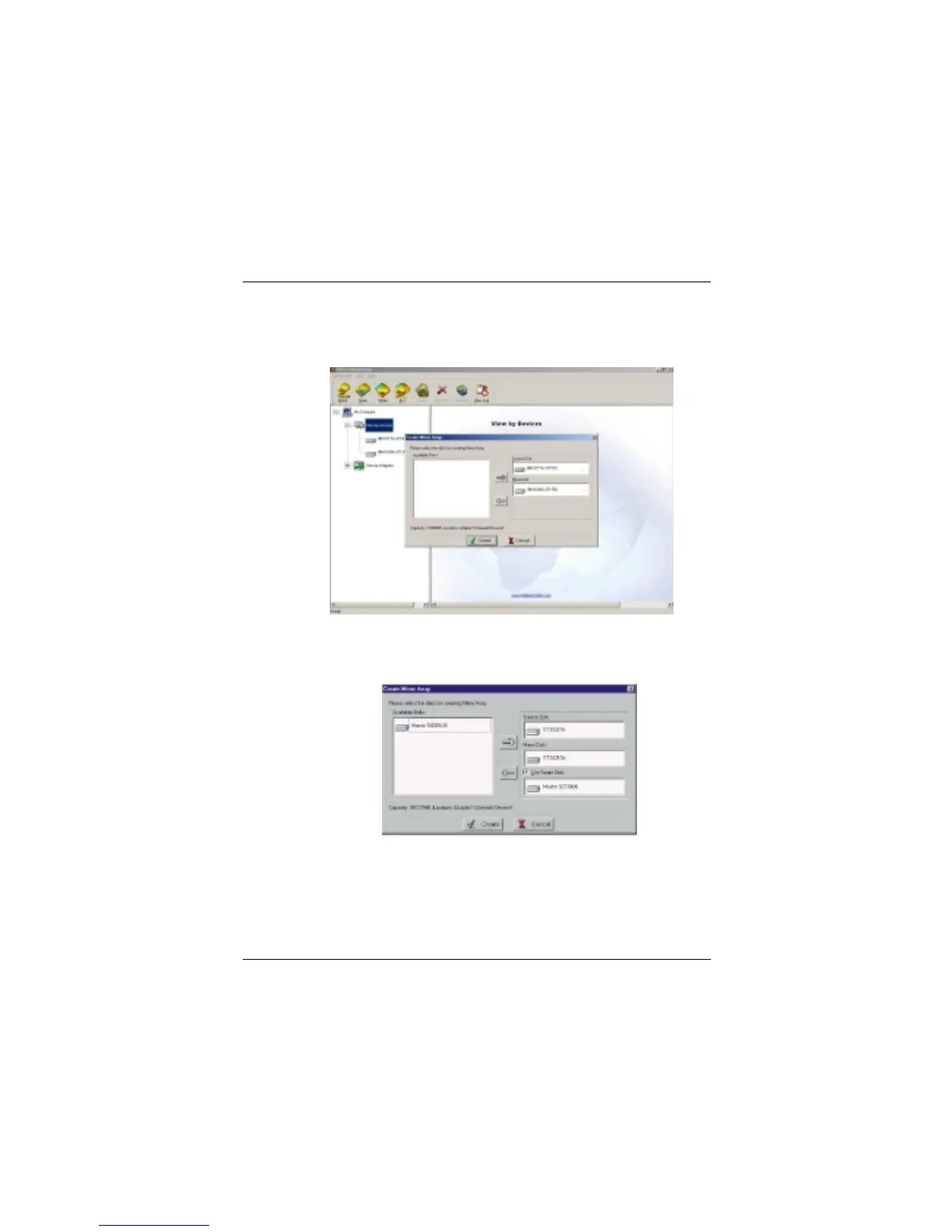
clicking the corresponding arrow button. Then click Create to begin the
creation or Cancel to exit. If you select the cancel operation, the system
will remain unchanged.
※ If the user wants to use a spare disk, please select Use Spare Disk item. Then
select hard disks from Available Disks column, and add it into Use Spare
Disk column. (Note: This function only works when you use more than
three hard disks to create the array.)
Illustration: If the user has set a spare disk, when the read/write failure of either
the source disk or the mirror disk, the program will automatically
use the left normal disk and the spare disk to rebuild the mirror
array, thereby providing dual security for data.


 To Next Page
 Loading...