98
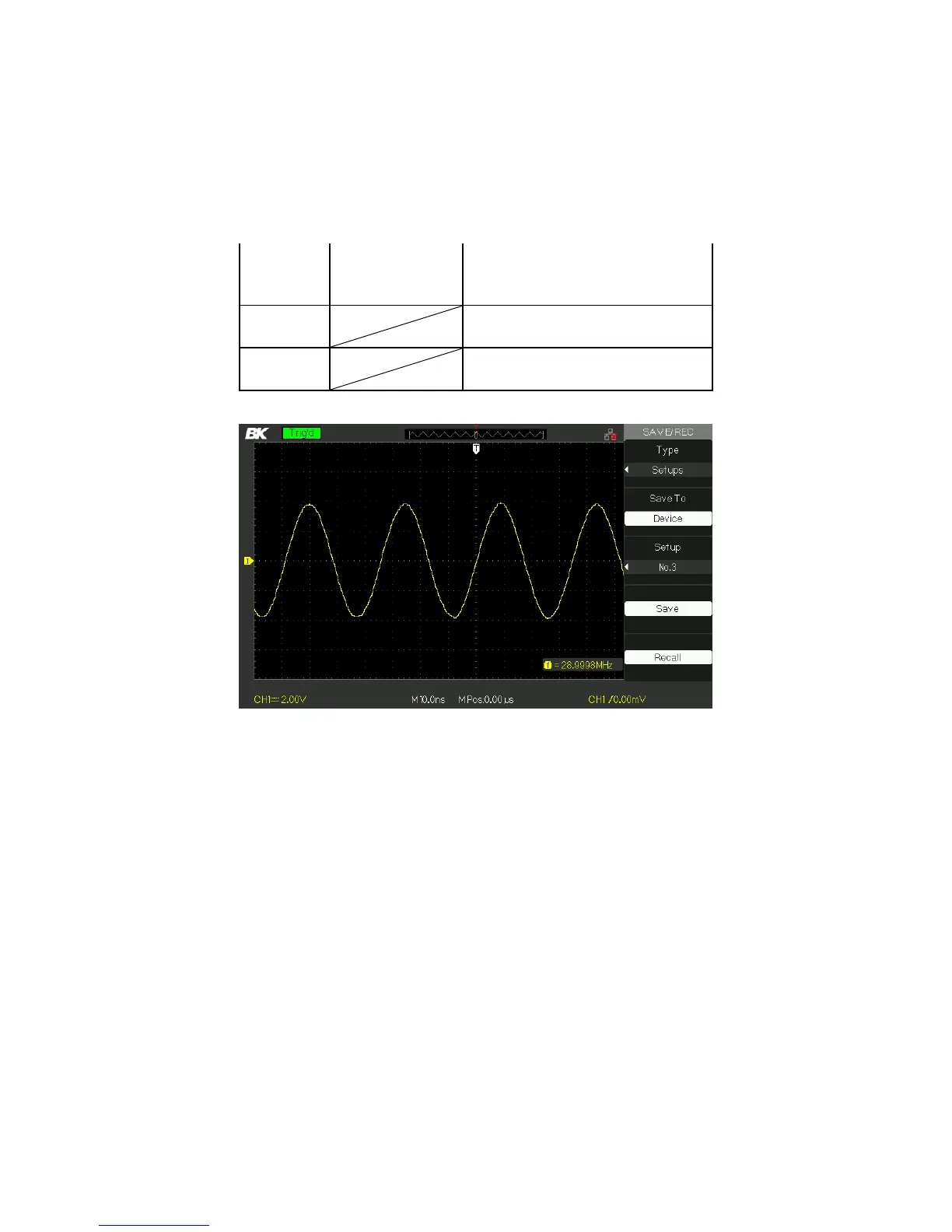
Press the “Setup” option button or
turn the “universal” knob to select
storage position.
Save to the selected storage
location.
Recall from the storage location
indicated by “Setup”.
Figure 3.46 – Save/Rec Menu
To save setups to the oscilloscope’s internal memory, follow the
steps below:
For example: Save setup that set waveform display type to “Dots”
to internal memory.
1. Press the “SAVE/RECALL” button to enter the
“SAVE/RECALL” menu.
2. Press the “Type” option button to select “setups”.
3. Press the “Save to” option button to select “Device”.
4. Press the “Setup” option button to select “No.1”.
5. Press the “DISPLAY” button to enter the “Display” menu.
www.GlobalTestSupply.com
Find Quality Products Online at: sales@GlobalTestSupply.com













 To Next Page