47
2. Turn the “Time/div” knob to change the main time base scale.
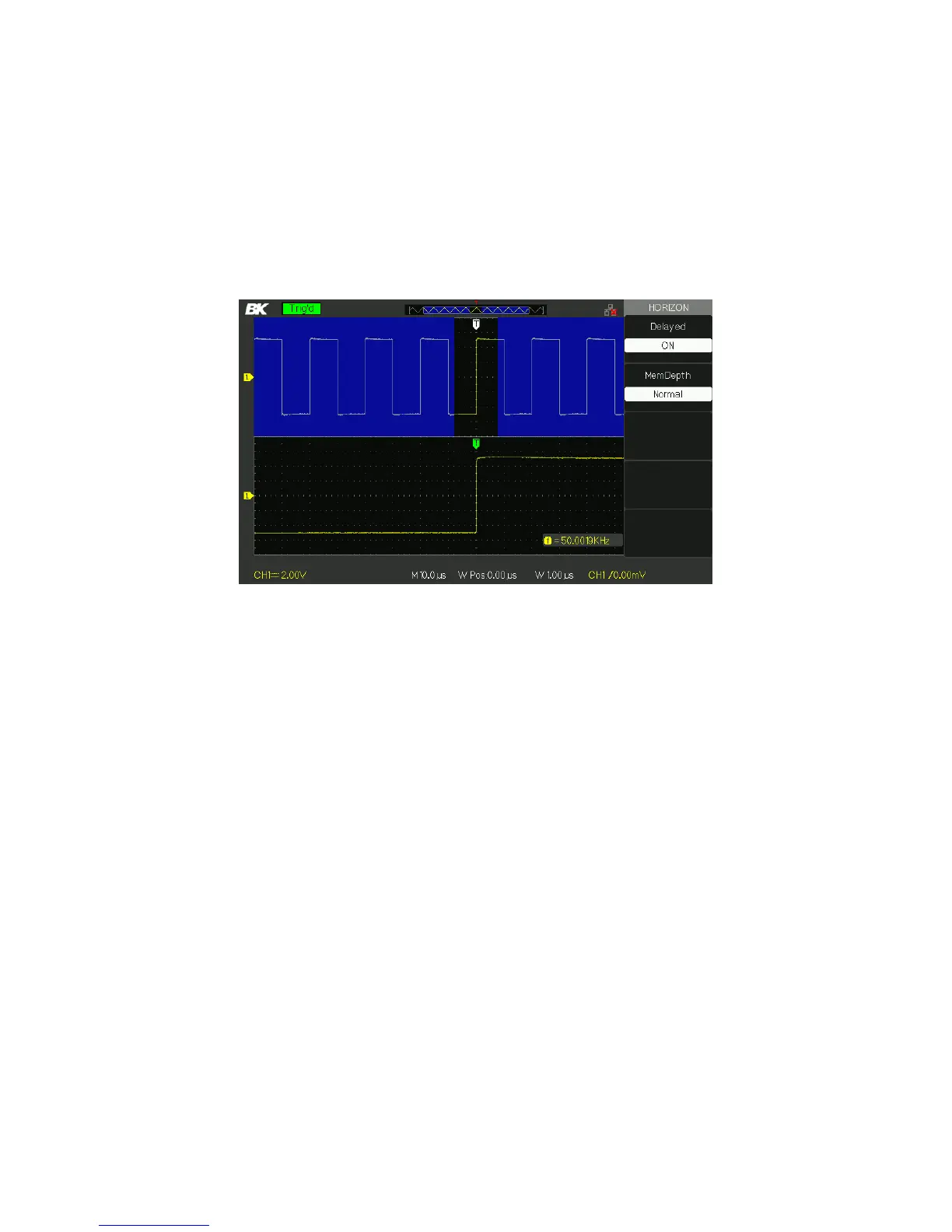
3. Press the “Delayed” option button to select “On”.
Figure 3.19 – Horizontal Delay Menu
4. Turn the “Horizontal Position” knob (adjust window’s position) to
select the window that your need and expanded window
waveform display on the below half screen at the same time.
3.11 Trigger System
The trigger determines when the oscilloscope starts to acquire data and
display a waveform. When a trigger is set up properly, the oscilloscope
converts unstable displays or blank screens into meaningful waveforms.
Here are three buttons and one knob in the trigger area. See below:
www.GlobalTestSupply.com
Find Quality Products Online at: sales@GlobalTestSupply.com













 To Next Page