109
NOTE: The maximum number of data points of a waveform that can
be saved as a .CSV file into USB drive is ~40000 pts (depending on
the time base setting) when data depth is set to maximum. The
actual number depends on the time base setting, the channels that
are active, and whether data depth is set to “display” or
“maximum”. See below table for maximum data points available in
each time base when data depth is set to maximum.
Number of points saved to CSV file (data
depth set to maximum)
3.16 Utility System
Press the UTILITY button from the front panel to access utility options.
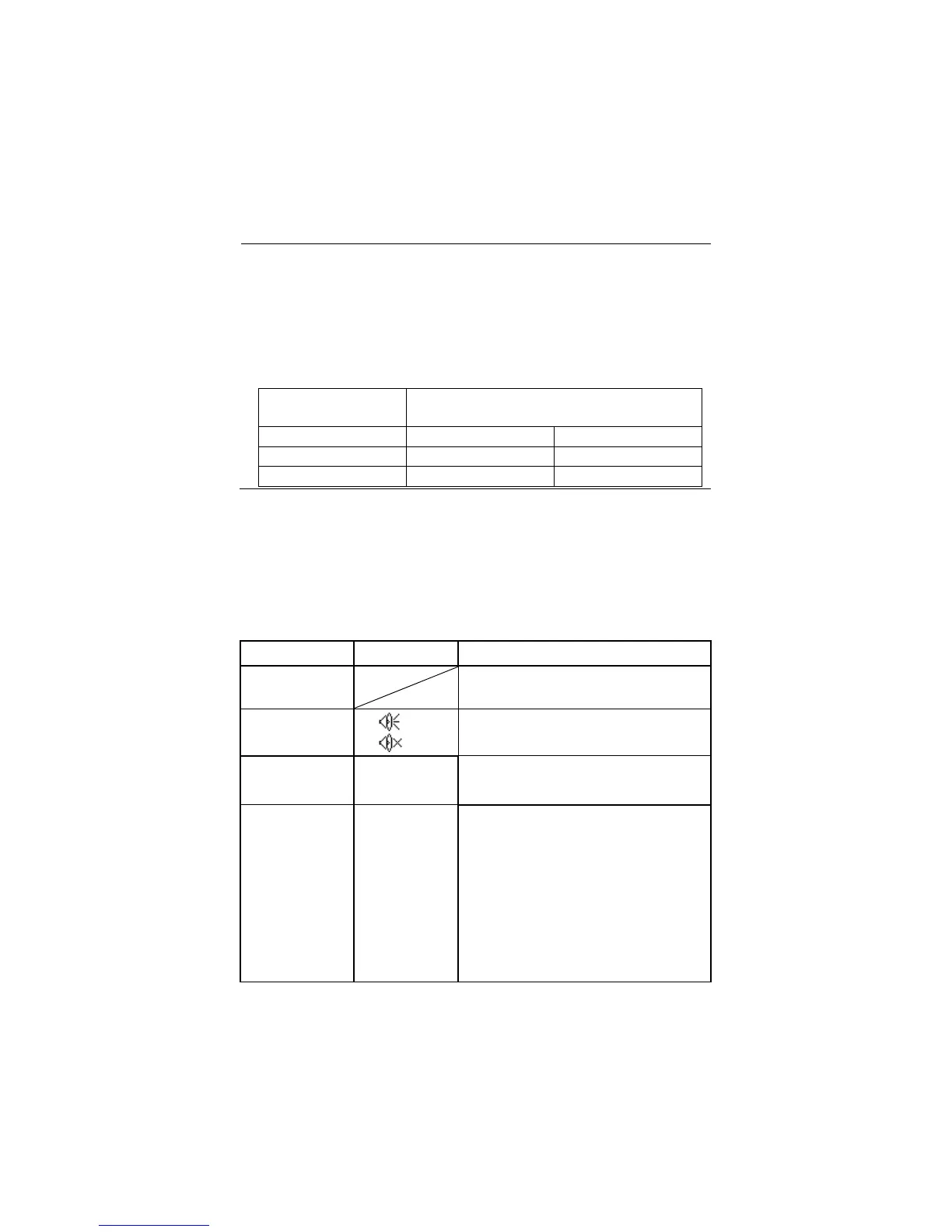
Table 3.50 – Utility System Menu 1
Displays summaries of the
oscilloscope settings.
Turn on sound
Turn off sound.
Turn on Frequency Counter
Turn off Frequency Counter.
简体中文
繁體中文
English
ﺓﻱﺏﺭﻉﻝﺍ
Français
Deutsch
Русский
Español
Português
Simplified Chinese
Traditional Chinese
English
Arabic
French
German
Russian
Spanish
Portuguese
www.GlobalTestSupply.com
Find Quality Products Online at: sales@GlobalTestSupply.com













 To Next Page