119
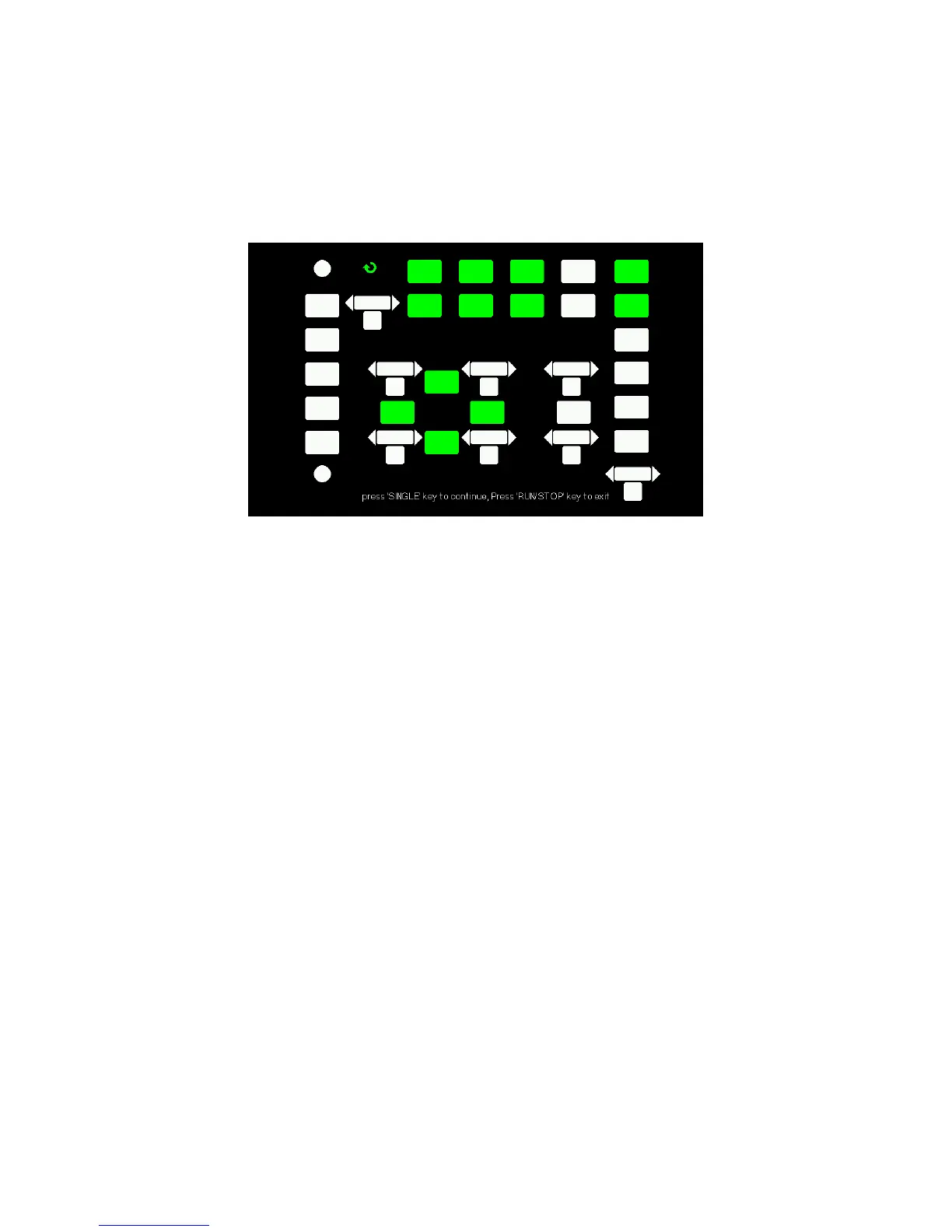
Figure 3.62 – LED Test Screen
Update Firmware
The firmware of the oscilloscope can be updated directly via a USB Flash
drive. This process takes about two minutes. To update, follow the steps
below:
1. Download and save the firmware file onto a USB flash drive.
2. Insert the USB Flash Drive to the USB Host interface on the front
panel of the oscilloscope.
3. Press the “UTILITY” button to enter the “Utility menu”.
4. Press the “Next Page” option button to enter the third page of
the “Utility menu”.
5. Press the “Update Firmware” option button. Read the on-screen
notes carefully before proceeding.
6. Press the “SINGLE” button to enter into the directory menu of the
USB flash drive.
7. Use the universal knob to select the firmware file on the USB
flash drive, and select “Confirm” to start the update.
www.GlobalTestSupply.com
Find Quality Products Online at: sales@GlobalTestSupply.com













 To Next Page