54
Table 3.19 – Pulse Trigger Function Menu 2
Select the pulse to trigger the pulse
match the trigger condition.
Select the type of triggering; Normal
mode is best for most Pulse Width
trigger applications.
Enter the “Trigger setup menu”.
Press this button to return to the first
page.
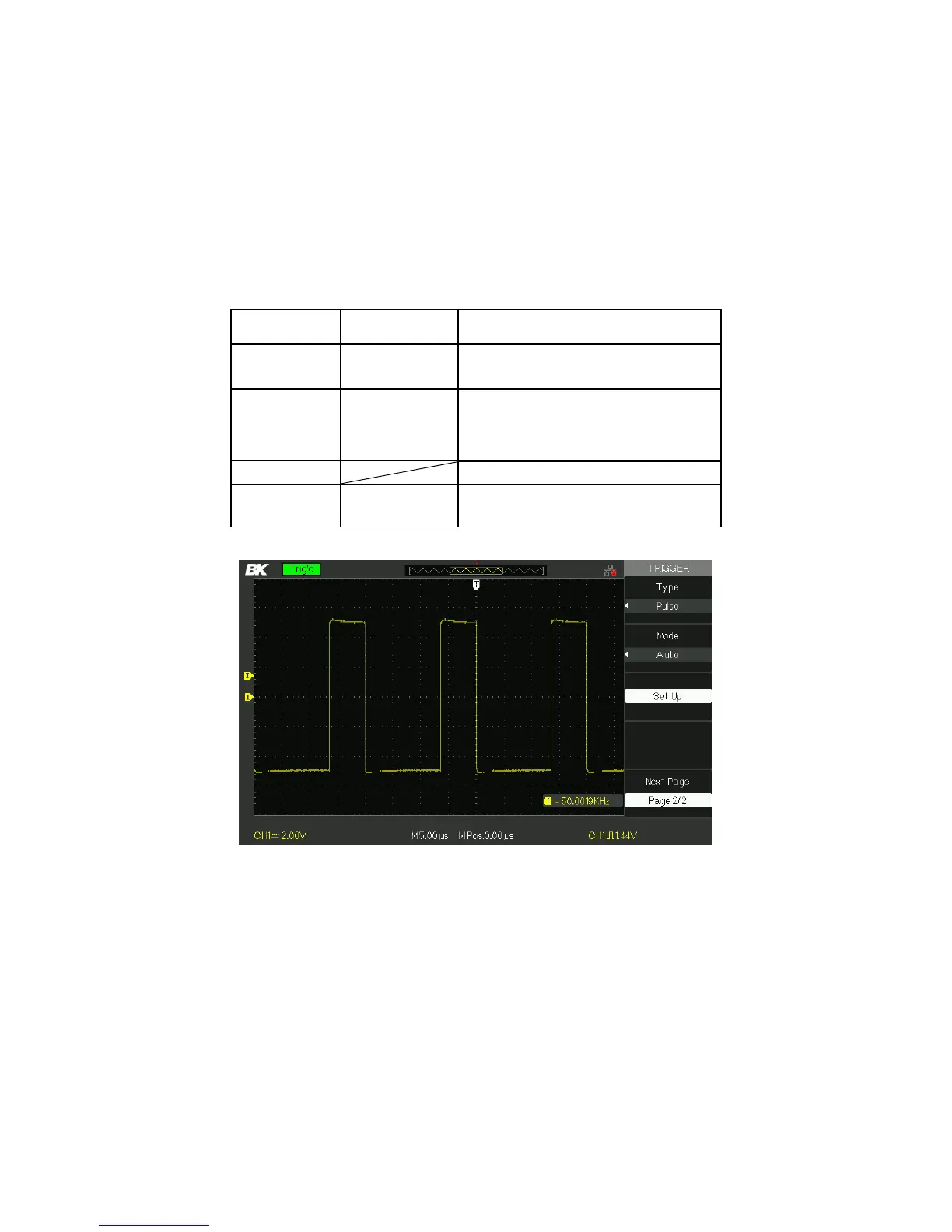
Figure 3.23 – Pulse Trigger Menu 2
Operating Instructions:
1. Setup Type
Press the “TRIG MENU” button to display “Trigger”
menu.
www.GlobalTestSupply.com
Find Quality Products Online at: sales@GlobalTestSupply.com













 To Next Page