78
1. Press the “DISPLAY” button to enter the “Display” menu.
2. Press the “Type” option button to select “Vectors” or “Dots”.
Set up Persist
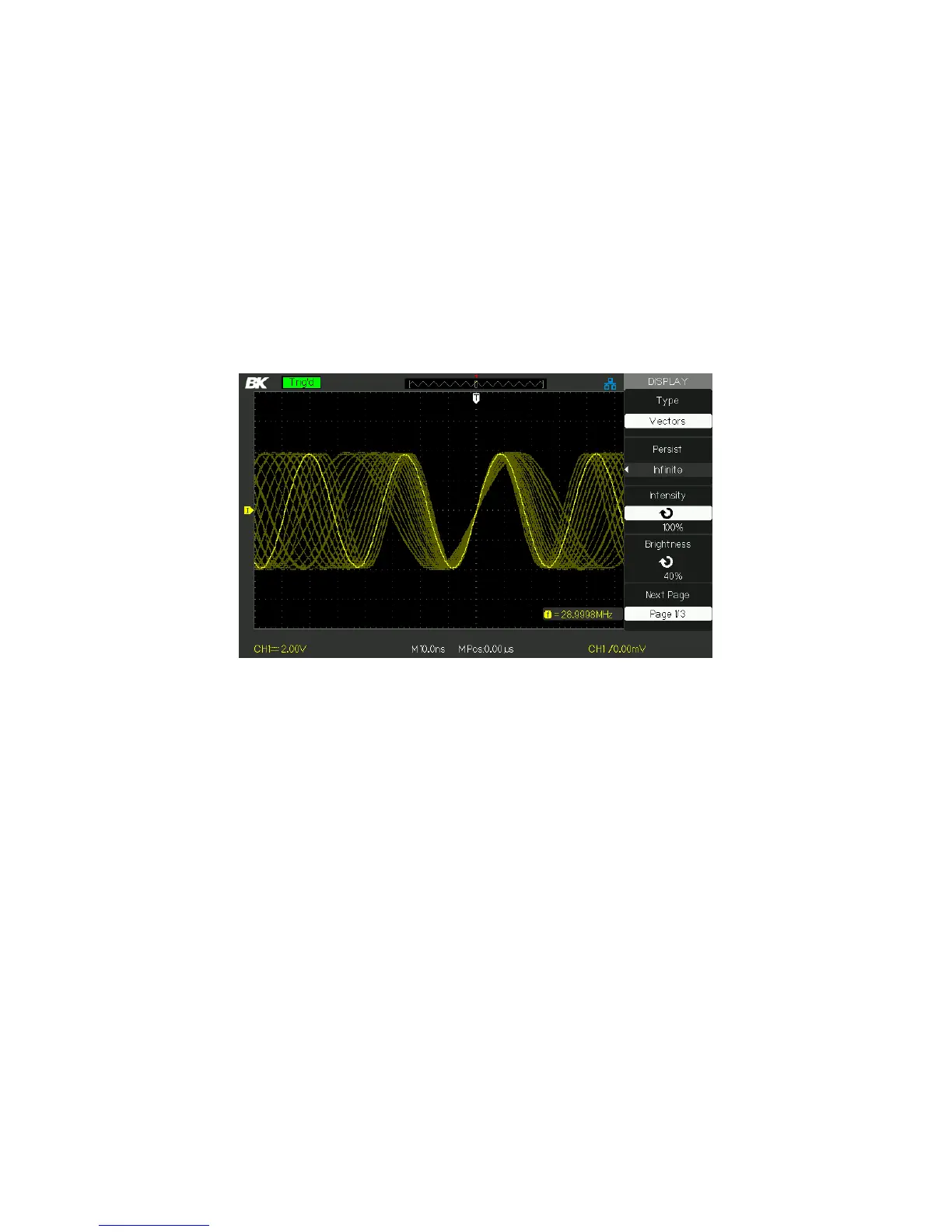
Press “Persist” option button to select “Off”, “1 Sec”, “2 Sec”, “5 Sec” or
“Infinite”. You can use this option to observe some special waveforms.
Figure 3.36 – Persist Screen
Set up Intensity
Press the “Intensity” option button and turn the “Universal” knob
to adjust waveforms’ intensity.
Set up Brightness
Press the “Brightness” option button and turn the “Universal” knob
to adjust grid brightness.
Set up display format
1. Press the “Next Page” option button to enter second
display menu.
2. Press the “Format” option button to select “YT” or “XY”.
Set up Screen
Press the “Screen” option button to select “Normal” or “Inverted” to
set the screen display color.
www.GlobalTestSupply.com
Find Quality Products Online at: sales@GlobalTestSupply.com













 To Next Page