Page 130
724-746-5500 | blackbox.com
Chapter 4: Configuration
Java Tool
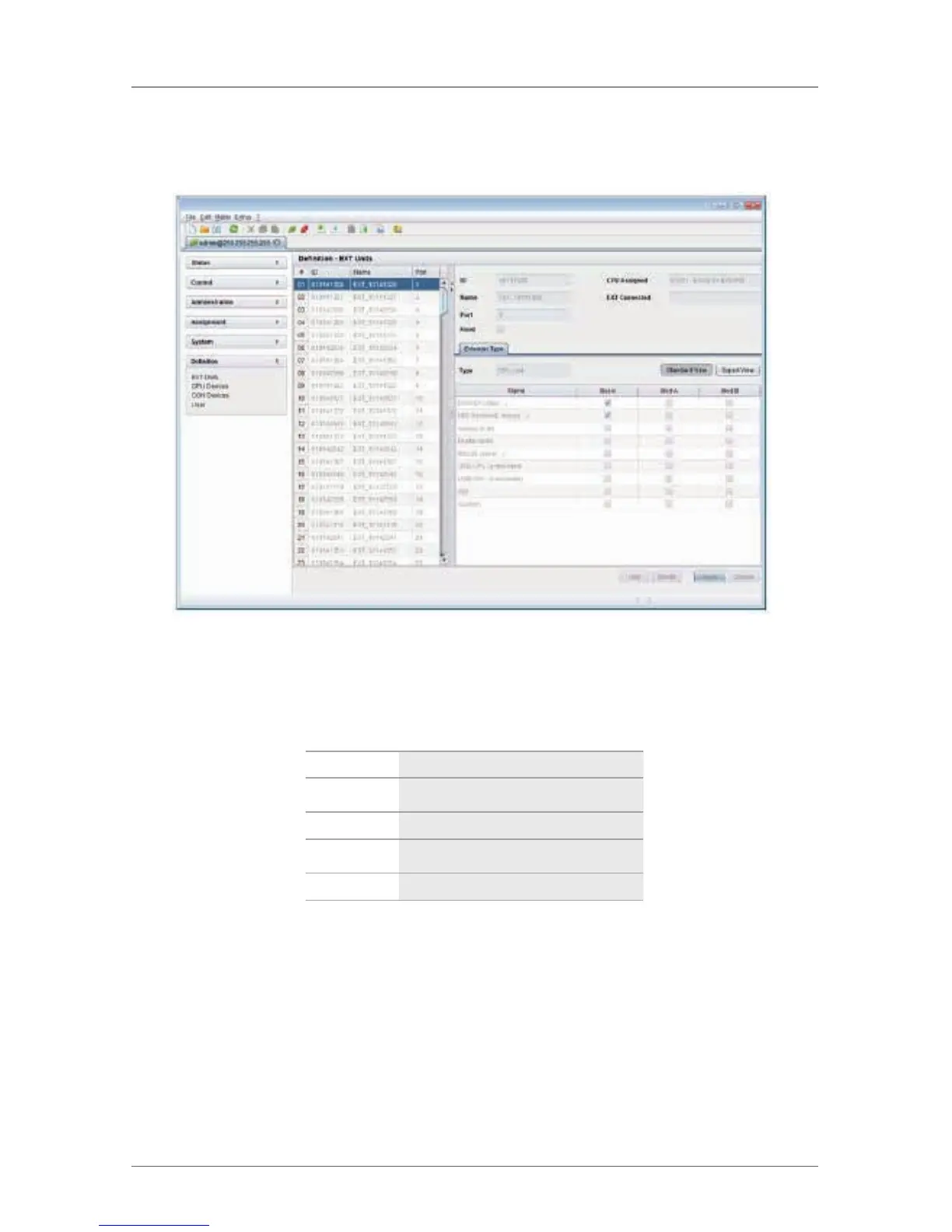
Select “Definition > EXT Units” in the task area.
Figure 4-45. Menu Definition—EXT Units screen.
You can select between the following buttons:
Table 4-30. OSD settings.
Button Function
New Create a new extender unit
Delete Delete an existing unit
Apply Confirm changes of an extender unit
Cancel Reject changes
4.6.1 Creating Flex-Port Extender Units
Extenders with ID function are automatically recognized by the system and cannot
be created manually. They are used as “Flex-Ports” on the matrix.
NOTE: The connection of fixed-port extender units (for example, USB 2.0) to a
Flex-Port can cause unintended results.



 To Next Page